Stories AR update, May 2024: new design and features
Andrei Zhizdra — Founder, Stories AR
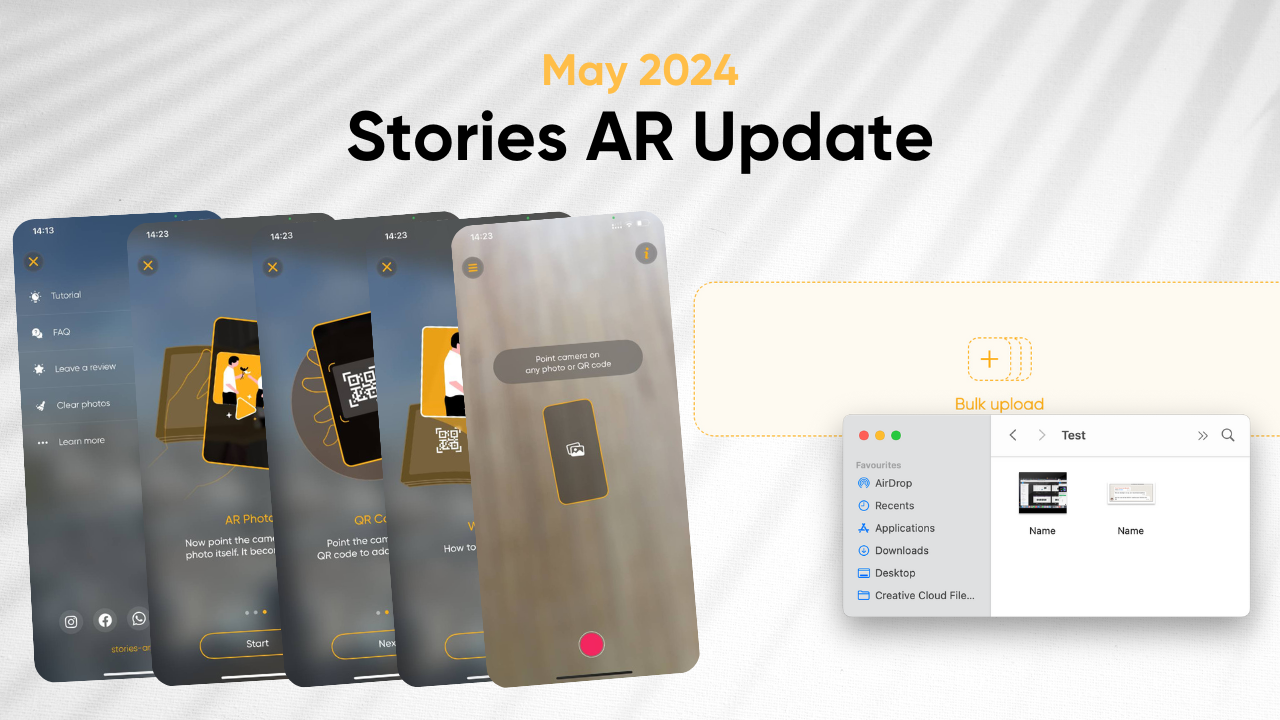
Dear partners, in the upcoming update, we have improved several functions and are excited to share them with you:
- Updated design of mobile applications:
 The visual interface of the application has been updated to provide a more intuitive and convenient interaction for all users. We have chosen a design in a semi-transparent format to ensure nothing distracts from viewing animated photos.
 - Integration of viewing and scanning screens for Android:Now you no longer need to press the + button to scan a new QR code. We have integrated the scanning and viewing screens, so this feature now works the same on both iOS and Android. View AR photos and scan QR codes on a single screen.
- Batch loading with the same name:
 Users can now easily upload files with the same name in batch mode, significantly simplifying content management and improving the efficiency of the loading process. This means you can name your files: Semen.mp4, Semen.jpg, Irina.mp4, Irina.jpg, and the system will understand which file belongs to which pair.
 - Test badge on the phone:
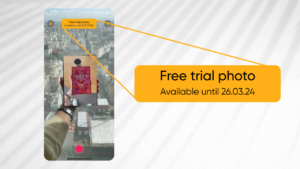 Previously, the "Test" badge was set at the PRO version level (thus, you saw this badge on the actual photo). Now this badge is set at the mobile application level, which means:
- Accelerated loading and processing of files on servers several times faster;
- No need to clear the cache in the application after each scan.