
AR trigger images: the picture that launches the magic
A trigger image (also called a target or marker image) is what the camera recognises to start an AR experience. Get it right, and recognition is instant; get it wrong, and nothing happens.

Quick answer
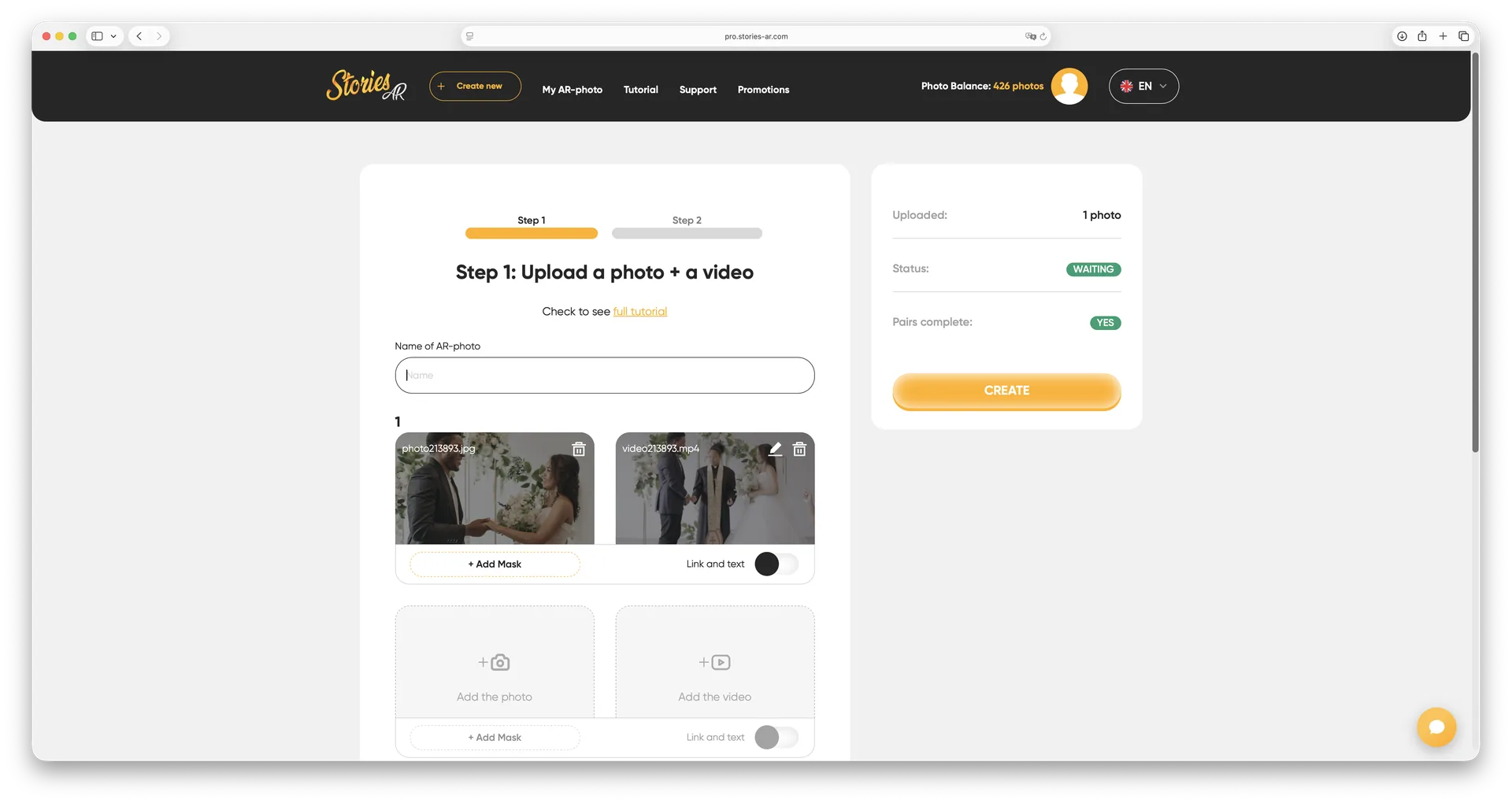
An AR trigger image is the physical picture that a smartphone camera recognises to launch an augmented reality experience — for example, a printed photo that starts playing a video. A good trigger is detailed, well-contrasted and asymmetrical. In Stories AR any photo you upload automatically becomes a trigger image: the platform builds the recognition map for you, no code needed.
Try WebAR right now — animate this photo
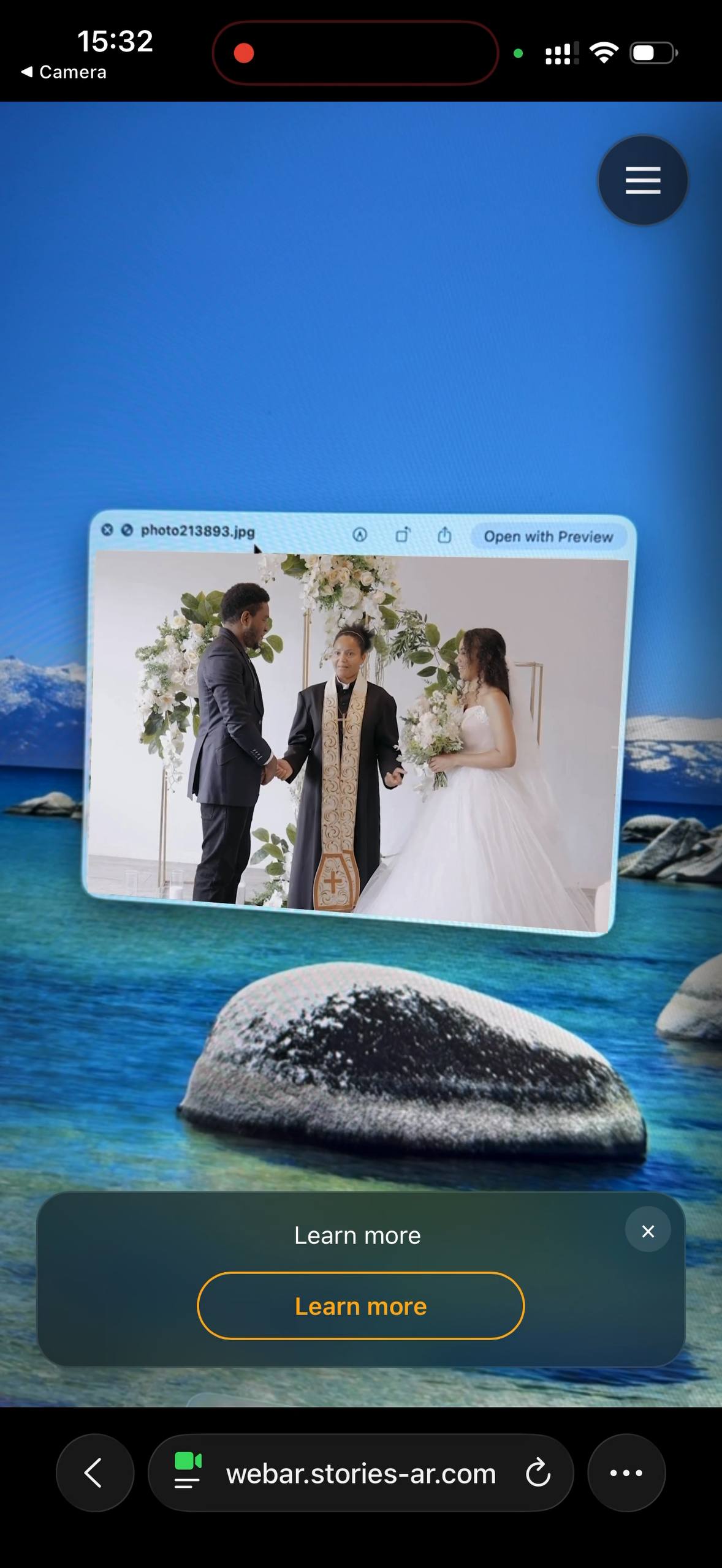
This is a real AR experience made with Stories AR. Open it on your phone and point the camera at the photo — it will come to life.
- 1Open the demo on your phone
- 2Allow camera access
- 3Point at the photo — it comes alive

or scan with your phone camera
Opens in the browser · No app needed
What makes a good trigger image
- Rich detail: faces, textures, architecture — the more unique features, the faster the match.
- Good contrast: tonal variety beats flat, washed-out images.
- Asymmetry: the engine should be able to tell up from down — avoid mirrored or repeating patterns.
- Matte finish helps: heavy glare on glossy prints can hide the details the camera needs.
Most real-world photos — portraits, wedding shots, group photos — make excellent triggers with zero preparation.
What to avoid
Recognition struggles with: plain color fields and minimalist designs, very dark or overexposed images, repeating patterns (checkerboards, textiles), and text-only layouts. If your design is minimal, add a photographic element — even a small one gives the engine anchor points.
Size matters less than people expect: Stories AR triggers work from business-card size (see AR business cards) up to posters and wall art.

How trigger recognition works
When you upload a photo to Stories AR, the platform extracts feature points — corners, edges, contrast transitions — and stores them as a compact recognition map. In the browser, the WebAR engine compares the live camera feed against that map dozens of times per second. On a match, it computes the print's exact position and angle, and renders the video locked onto it.
This is why no markers or QR codes are needed on the print itself — the photo is its own marker. The full pipeline is described in AR photography explained.
Create a trigger image without code
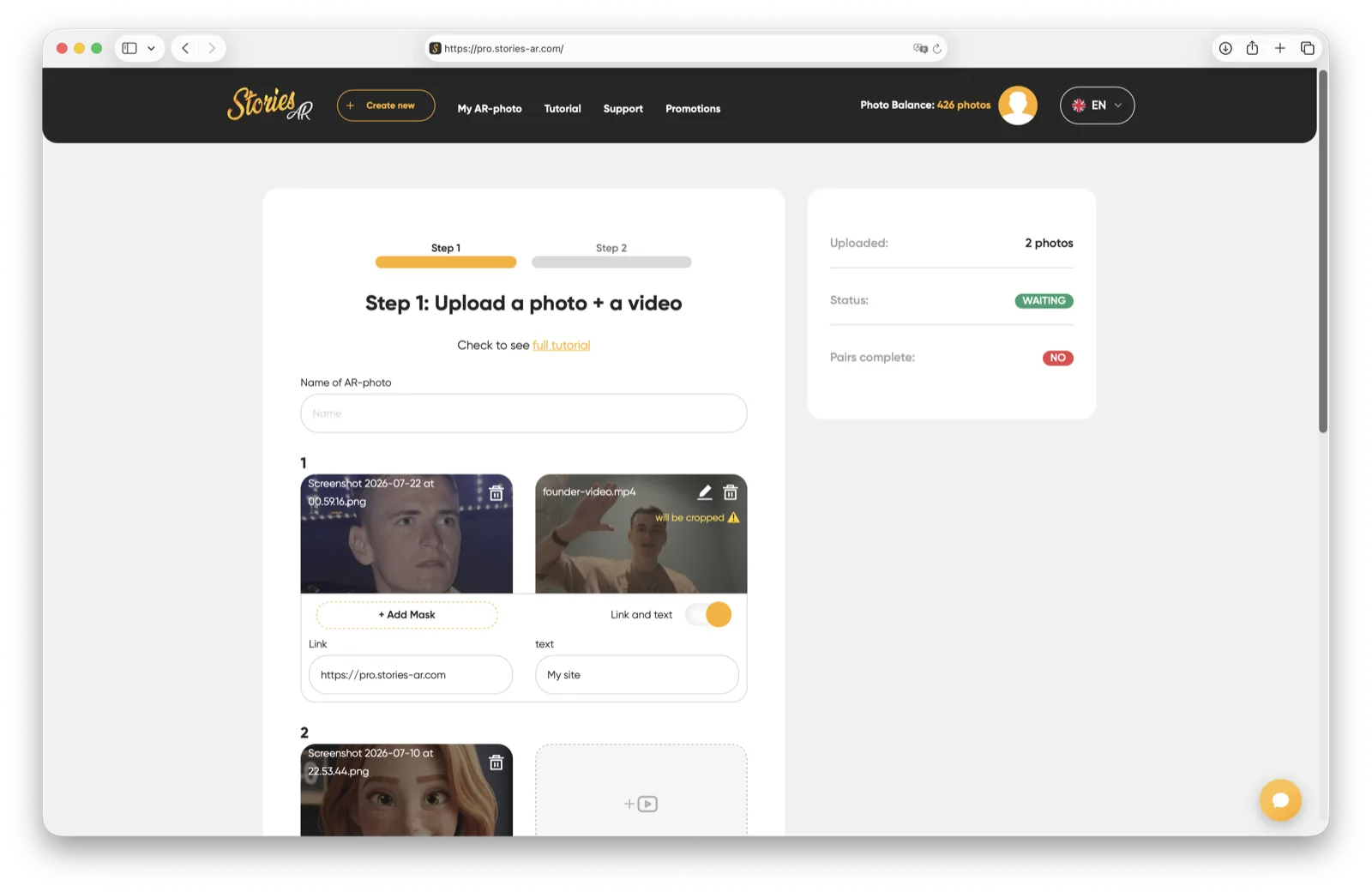
In developer SDKs you tune trigger quality manually. In Stories AR it's automatic: upload photo + video, and the platform validates recognisability and builds the map. Test it in 30 seconds on the live demo page, then make your own on the free tier.
Frequently asked questions
Is a trigger image the same as a QR code?+
No. A QR code stores a link; a trigger image is recognised visually as a whole — the AR content appears anchored to the picture itself.
Can any photo be a trigger image?+
Almost any detailed photo works. Problems appear only with flat colors, heavy repetition, extreme darkness, or pure text.
Does print size affect recognition?+
Only marginally — from business cards to posters works fine. What matters is detail and contrast, not dimensions.
Can I test my image before printing?+
Yes: upload it to Stories AR, open the AR link and point the camera at the image on your monitor — recognition works from screens too.
Make your product spark emotions
Stories AR turns flat photos into living moments people gasp at, film and share. Give your customers that reaction.