
AR business card: a card that speaks for you
Point a phone camera at the card — and a video of you starts playing on top of it. The most memorable first impression a piece of paper can make.
Quick answer
An AR business card is a printed card linked to a video through augmented reality. The recipient scans a QR code on the card, points the camera at it — and your video pitch plays right over the card in the browser, no app required. With Stories AR you create one in minutes: upload the card design and a 30–60 second video.

Try WebAR right now — animate this photo
This is a real AR experience made with Stories AR. Open it on your phone and point the camera at the photo — it will come to life.
- 1Open the demo on your phone
- 2Allow camera access
- 3Point at the photo — it comes alive

or scan with your phone camera
Opens in the browser · No app needed
Why an AR business card works
A stack of business cards from a conference ends up in a drawer. An AR card gets scanned, shown to colleagues, and remembered — because instead of a job title it delivers a face, a voice and a 30-second pitch. You control exactly what the person sees after the meeting.
It also signals that you work with modern technology — particularly valuable for photographers, videographers, marketers, real-estate agents and anyone whose product is visual.
How to make an AR business card
- Design and print your card as usual — any print shop works.
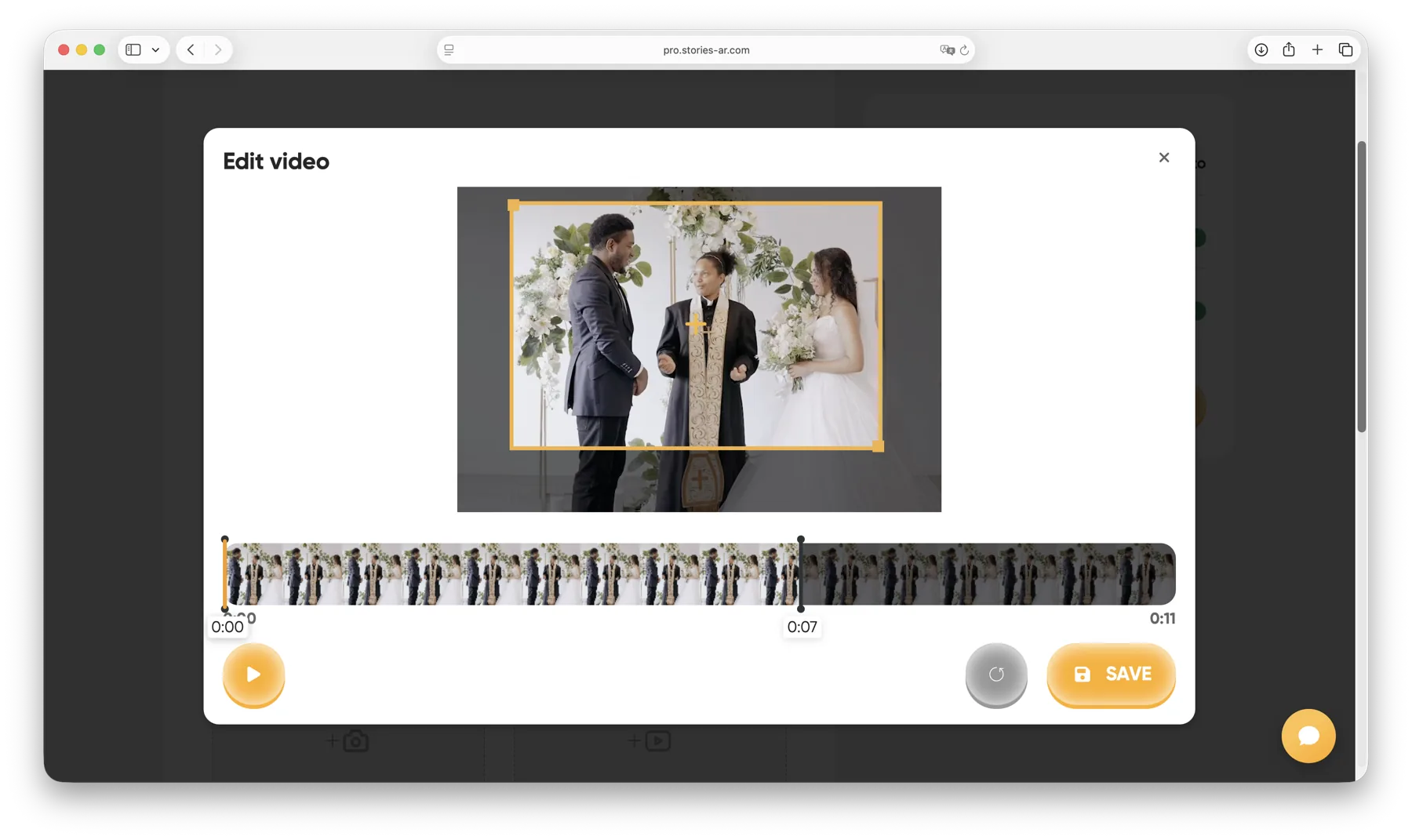
- Record a short video: who you are, what you do, why work with you (30–60 seconds is ideal).
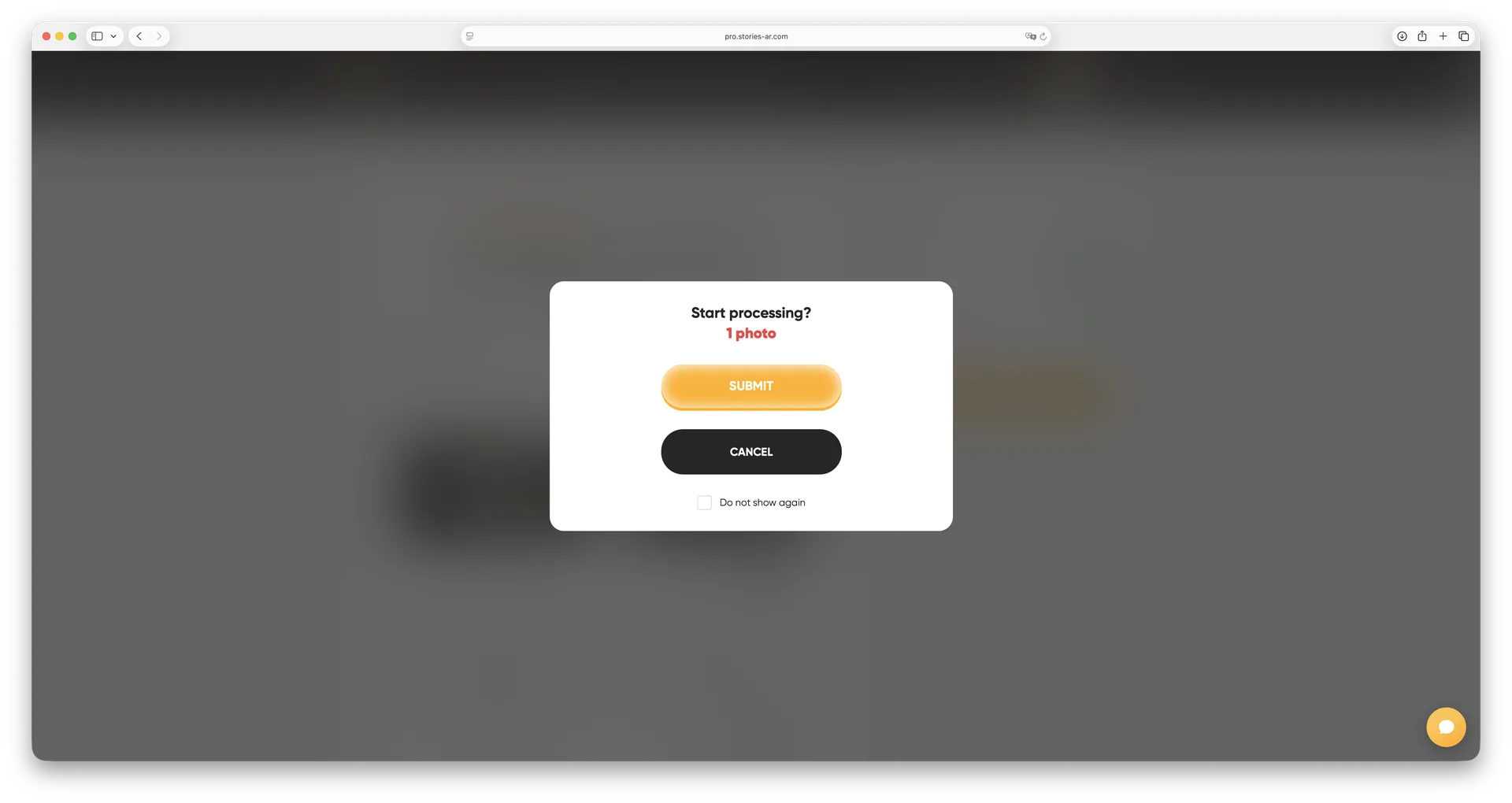
- Upload the card design and the video to Stories AR.
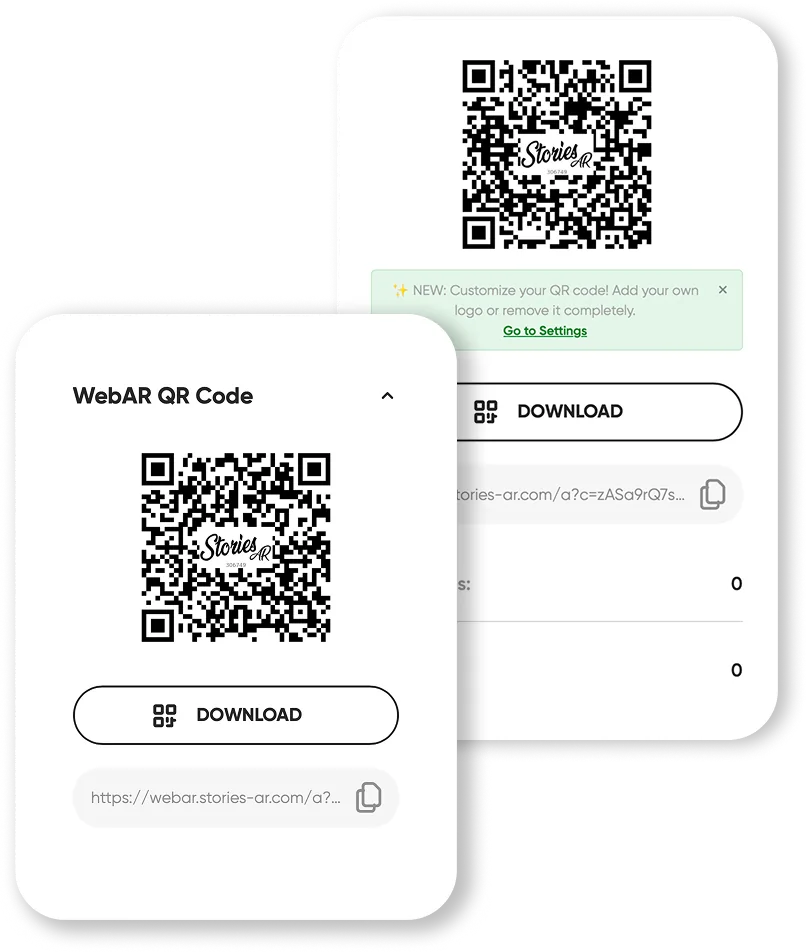
- Add the generated QR code to the card layout (back side works well) and print.
The recipient scans the QR code once — after that the camera recognises the card itself and plays the video anchored to it. Full background on the format: what is an AR card.
What to put in the video
The strongest AR cards keep it simple: a face-to-camera introduction, one sentence about the problem you solve, one proof point (project, number, client), and a call to action. For visual professions, a showreel works even better — a photographer's card can play their best wedding highlights.
You can update the video anytime in the dashboard without reprinting the cards — one print run lasts through every campaign.
Beyond the card: AR for all your print
The same technology powers living photos, brochures, posters and packaging. If you already print marketing materials, AR turns each of them into a measurable video touchpoint — see the live demo to experience it in 30 seconds.
Frequently asked questions
Does the recipient need an app to view the card?+
No. The card works via WebAR: scanning the QR code opens the camera in the browser, and the video plays on top of the card.
Can I use my existing business cards?+
Yes, if the design has enough visual detail for recognition. You add a small QR code to the layout (a sticker on existing cards also works).
Can I change the video after printing?+
Yes — replace the video in the dashboard anytime. The printed cards stay the same.
How much does it cost?+
You can create your first AR card on the free tier. The PRO plan is $24/mo billed yearly and includes 20 AR photos per month.
Make your product spark emotions
Stories AR turns flat photos into living moments people gasp at, film and share. Give your customers that reaction.