Anniversary Gift: A Photo That Plays Your Video
Stories AR team
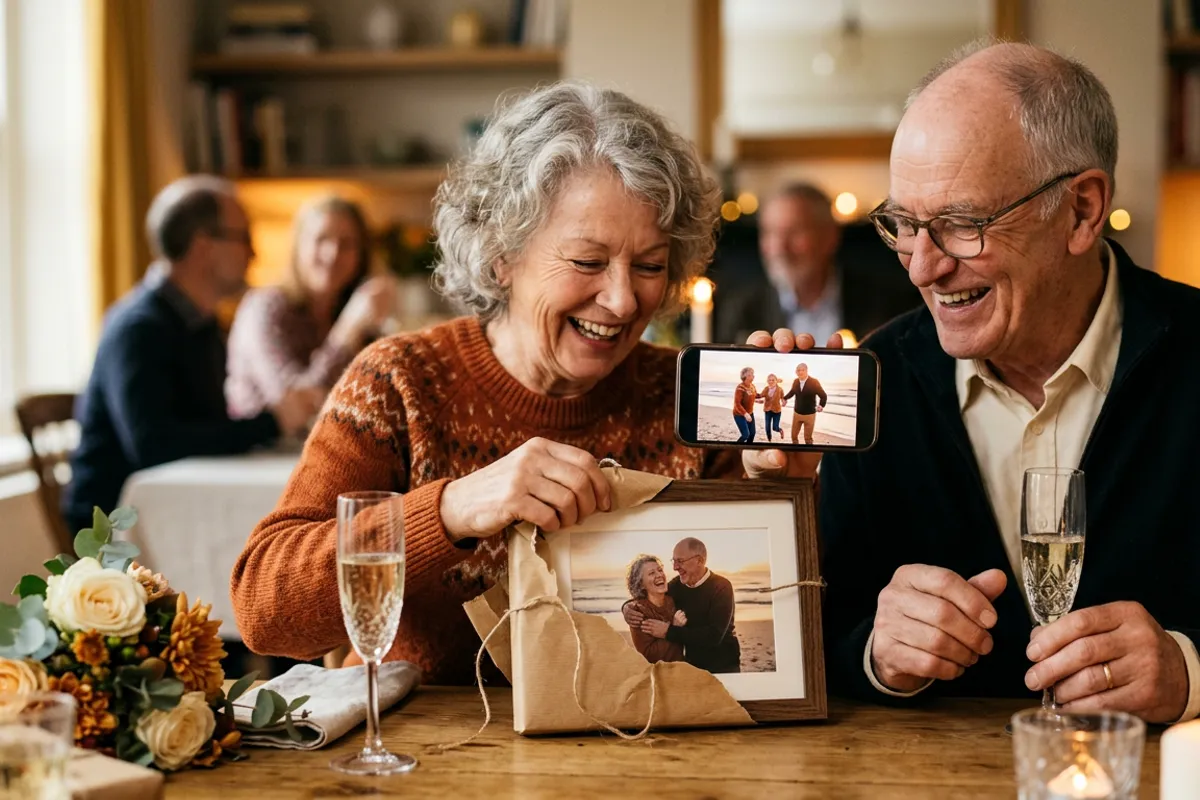
Anniversary gifts have a hard job: after ten or twenty-five years together, a couple already owns everything. What they do not have is a way to hold a moment. A living photo does exactly that — a printed wedding shot that, when a phone camera points at it, starts playing the original wedding video. You do not need to be a photographer to make one, and the first AR photos on Stories AR are free.
Quick answer
A living photo anniversary gift is a printed photo paired with a video: point a phone camera at the frame and the print comes alive in the browser — no app needed. Classic ideas: a wedding photo playing the original wedding video, or a parents' portrait playing recorded messages from the kids. Make one at pro.stories-ar.com — upload photo + video, print the photo, add the QR code. First AR photos are free.
Key takeaways
- The strongest anniversary gift is a printed wedding photo that plays the couple's original wedding video.
- No photographer needed: upload a photo and a video at pro.stories-ar.com, get a QR code, print the photo yourself.
- The viewer just scans the QR code — the video plays in Safari or Chrome, nothing to install.
- The video can be replaced anytime, so the same frame can play a new message on every anniversary.
- The first AR photos are free, so a one-off personal gift costs only the printing.
Why a living photo beats another framed print
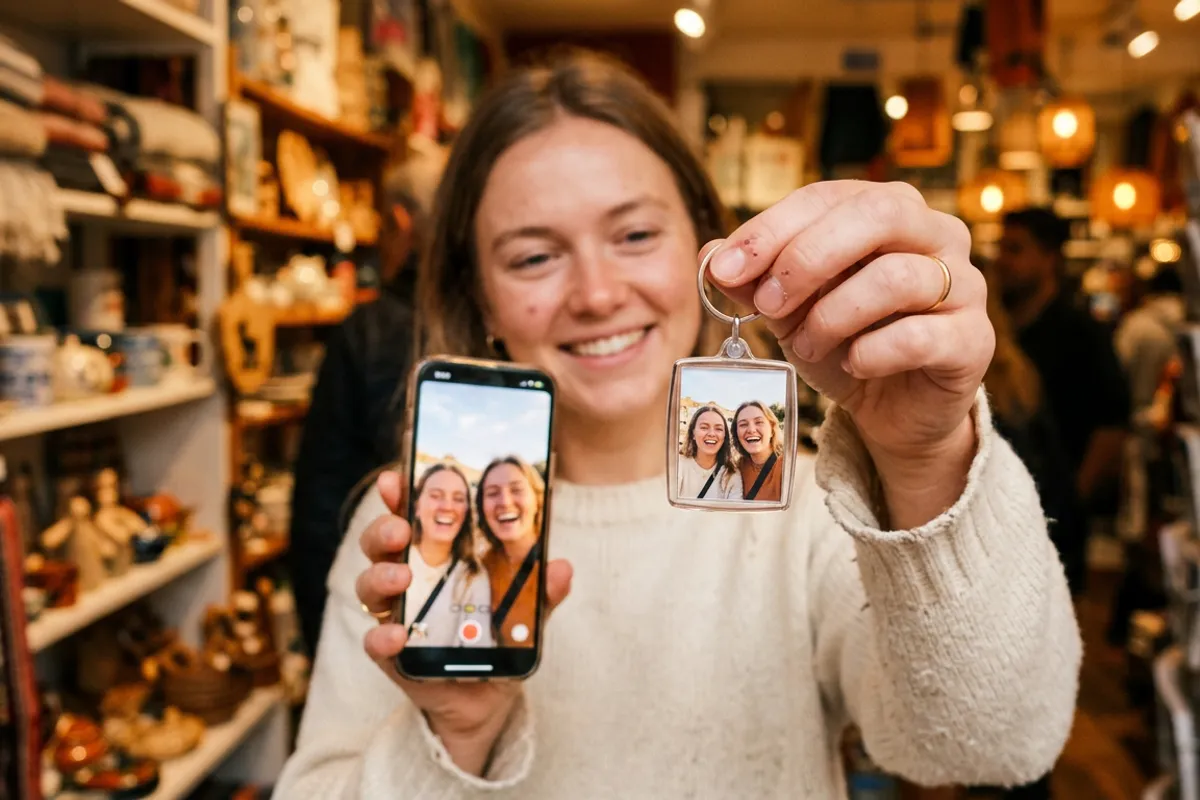
A framed photo says "we remember that day". A living photo replays it. The difference lands the moment the print starts moving: the couple is not looking at their wedding, they are back inside it — the vows, the voices, the laughter, anchored right on top of the paper they are holding.
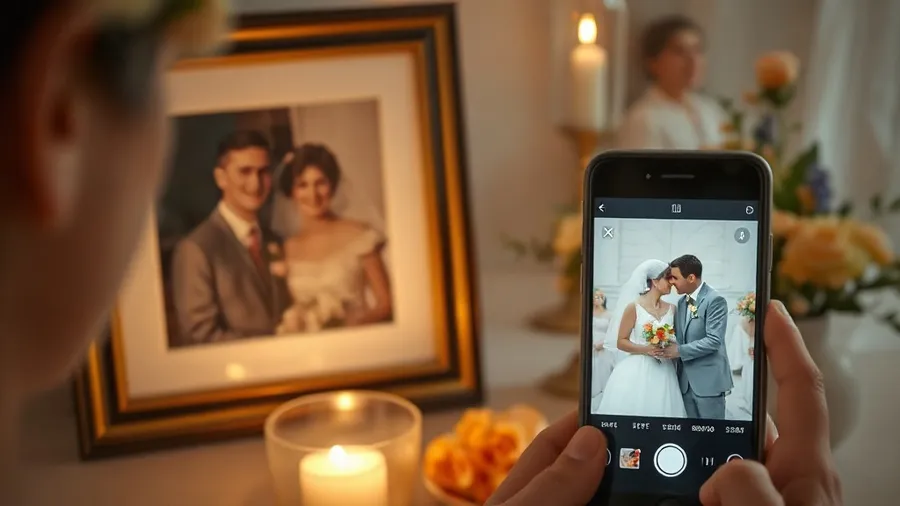
Technically it is simple. The printed photo acts as a trigger; when a phone camera sees it, the linked video plays on top of the print in the browser. Works in Safari on iPhone and Chrome on Android, no app to install — which matters when the recipients are parents or grandparents.
One detail makes the effect feel like magic: pick a video whose first frame matches the printed photo. The picture appears to wake up rather than switch to a separate clip.
Three anniversary ideas that work
The format is flexible; the emotional recipe is what varies. Three setups that consistently work:
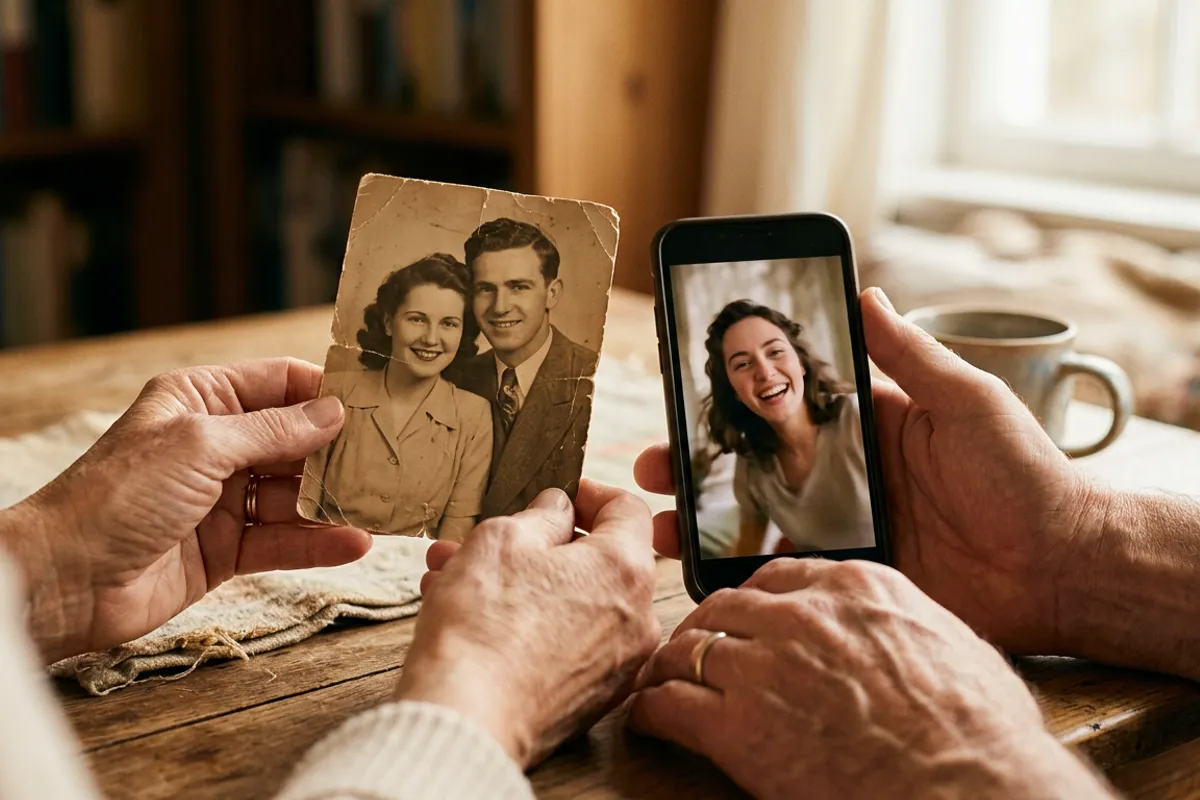
- Wedding anniversary: print a still from the wedding — the first dance, the kiss, the exit — and link the original wedding video. Decades-old footage digitized from tape works too.
- Parents' anniversary from the kids: a recent portrait of the parents that plays a montage of recorded congratulations from children and grandchildren, each saying a few words to camera.
- Year-in-review: a favorite photo from the past year linked to a one-minute cut of the year's clips — a gift that can be repeated annually with the same frame.
How to make one if you are not a photographer
The whole process is a normal web upload, not a design project. Sign up at pro.stories-ar.com — the first AR photos are free. Upload the photo you want to print and the video it should play; the dashboard pairs them and gives you a link plus a QR code.
Print the photo anywhere — a photo lab, an online print service, even a home printer for a test. Sizes are forgiving: recognition works from business-card size up to posters, so a standard frame-sized print is well within range.
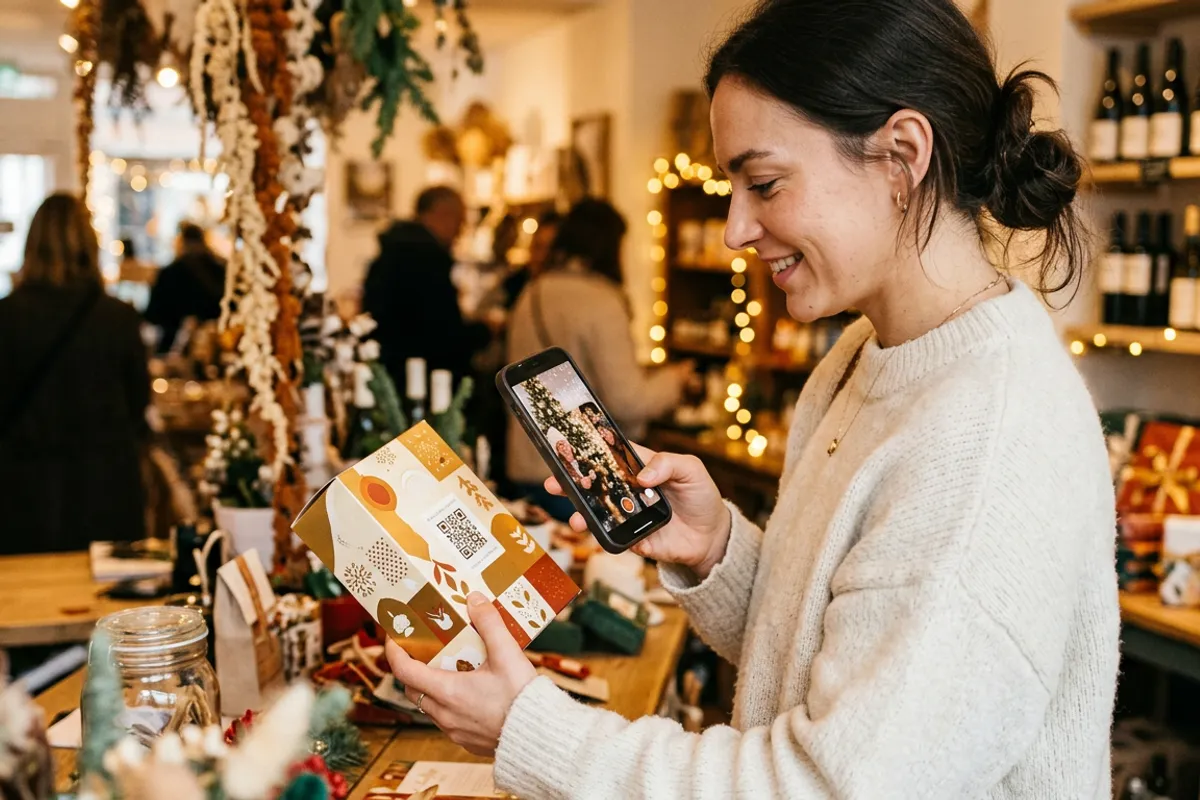
Place the QR code where the recipient will find it: a small sticker on the back of the frame, a card tucked into the gift box, or printed on the mat around the photo. Anyone who scans it gets the camera view and sees the print come alive.
If you want the gift to look finished on a shelf, pair it with a proper AR photo frame — the frame presents the print, the QR code handles the magic.
The trick that keeps the gift alive for years
Here is the part most people miss: the QR code and link never change, but the video behind them can be replaced anytime. That turns a one-time gift into a tradition.
Print the frame once. On the next anniversary, log in and swap the video for a new message or a new year's montage — the same print on the same shelf now plays this year's moment. No reprinting, no new codes, no touching the frame.
Two practical quality notes: choose a detailed photo (faces and textures track well; flat backgrounds and heavy gloss do not), and keep the video short — a focused 30–60 seconds replays better than a ten-minute film.
What it costs
For a single personal gift, usually nothing beyond printing: the Stories AR free tier covers your first AR photos. If you fall in love with the format and start making them for friends' anniversaries, weddings and birthdays, the PRO plan is $24/month billed yearly and includes 20 AR photos per month.
You would be in familiar company — more than 62 000 photographers use the platform, with over 259 000 AR photos created. But the anniversary use case needs none of that scale: one photo, one video, one QR code, one very good evening.
Make an anniversary living photo
Upload the photo and the video, print the photo, add the QR code. The first AR photos are free.
Start for freeFrequently asked questions
Do the recipients need a special app to see it?+
No. They scan the QR code, the browser opens the camera, and the video plays anchored on the print — Safari on iPhone, Chrome on Android.
Can I use our old wedding video from the 90s?+
Yes. Digitize the tape, trim a highlight, and link it to a printed still. Old footage often makes the strongest emotional effect.
Can I change the video after gifting the frame?+
Yes, anytime. The QR code and link stay the same, so the same framed print plays whatever video you currently have linked.
How much does a living photo gift cost to make?+
The first AR photos on Stories AR are free — you only pay for printing. The PRO plan ($24/month billed yearly, 20 AR photos per month) is for regular volume.