A Framed Photo That Plays Video: The Gift People Keep
Stories AR team

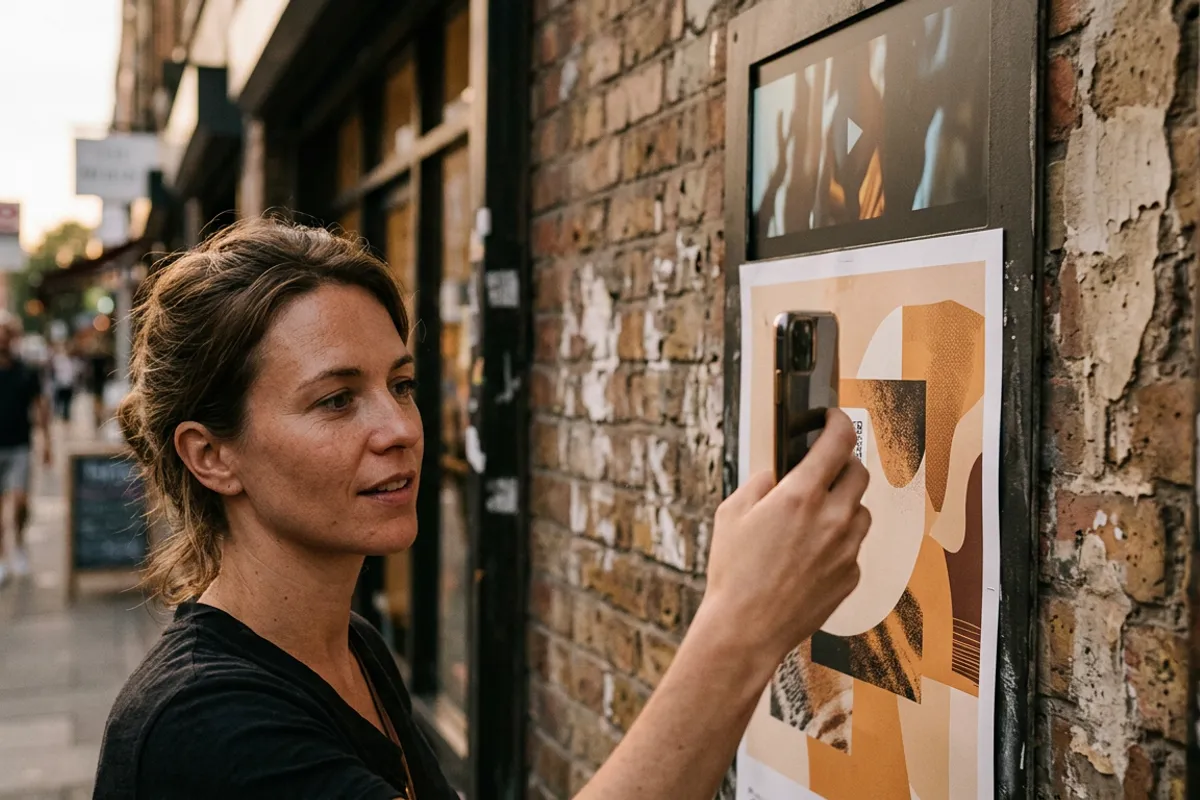
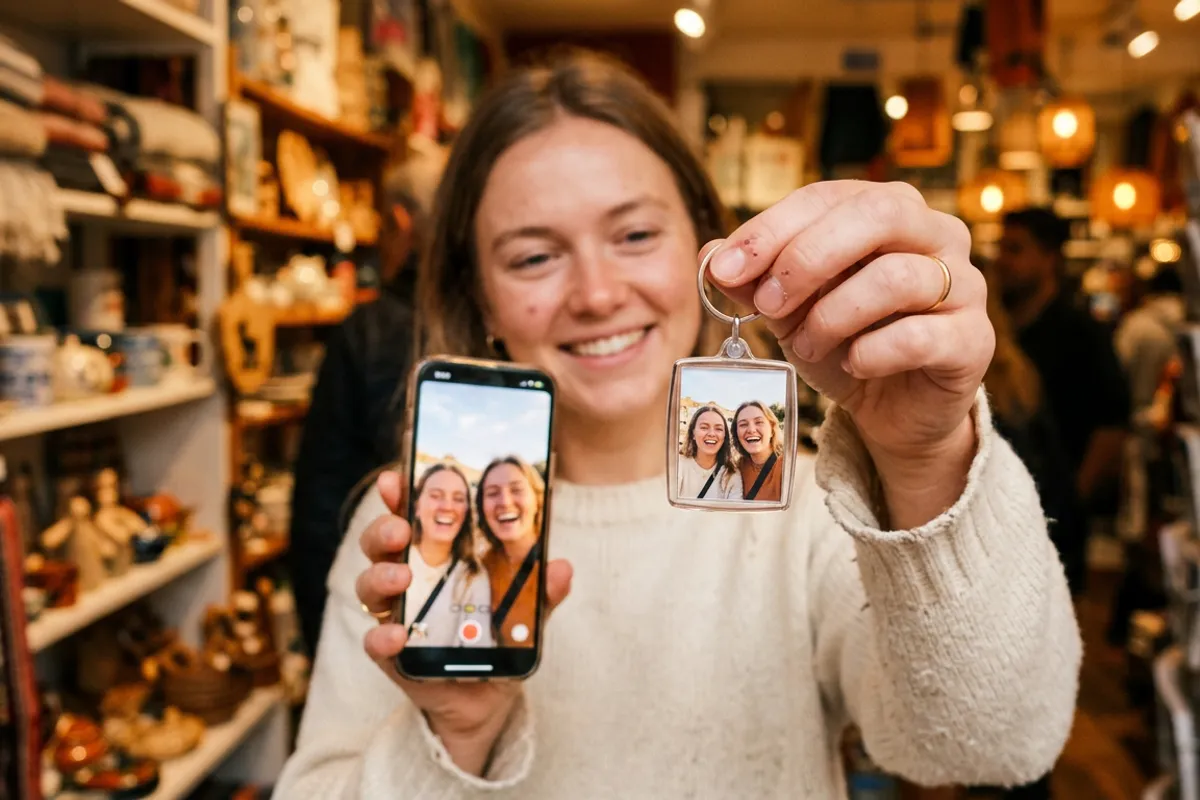
A framed photo is a safe gift. A framed photo that starts playing a video the moment someone points a phone at it is a gift people show to everyone who walks into the room. That is what an AR photo frame is: a normal print in a normal frame, plus a QR code that opens the phone browser and makes the picture come alive. No app to install, no gadgets inside the frame. Here is when it works best as a gift and how to make one yourself in a few minutes.
Quick answer
An AR photo frame is a regular framed print paired with a video through Stories AR. The recipient scans a small QR code, the browser opens the camera, and the photo plays the video right on top of the print — no app needed. You can make one free: upload a photo and a video at pro.stories-ar.com, download the QR code, and add it to the frame or the back of the print.
Key takeaways
- The frame itself is ordinary — the magic is a photo-video pair created online plus a QR code on or near the print.
- Viewers need nothing but a phone: WebAR runs in Safari on iOS and Chrome on Android.
- The video can be replaced anytime without reprinting, so the gift can be updated for every birthday.
- First AR photos are free on the Stories AR free tier — one gift takes minutes to make.
- Any detailed photo works as a trigger; avoid flat colors and heavy gloss.
What an AR photo frame actually is
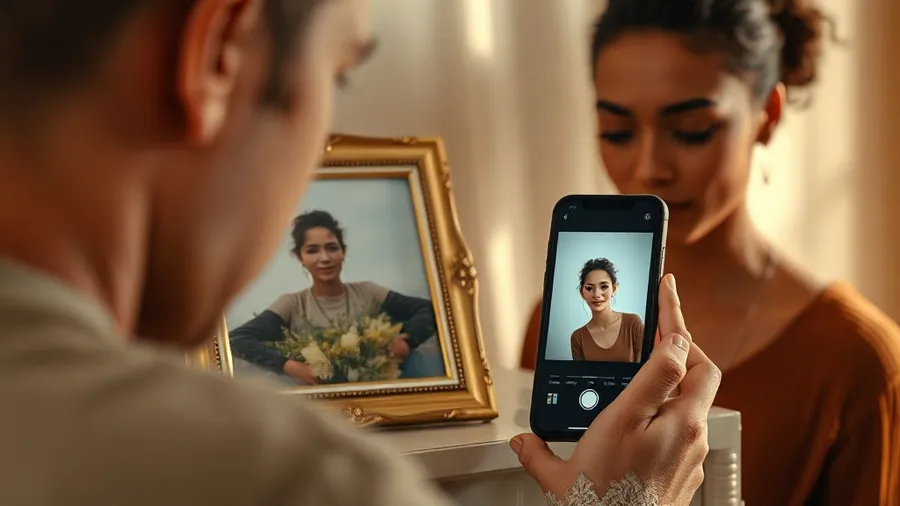
Take any printed photo, put it in a frame, and pair the same image with a video in Stories AR. The platform gives you a link and a QR code. When someone scans the code, their browser opens the camera; they point it at the frame, and the video plays anchored on top of the print — the still picture literally starts moving.
There is no screen and no battery in the frame. The print is a paper print; the video lives online. That is why the format works with any frame you already like — wooden, metal, a gallery mat, a desk stand.
More than 62 000 photographers already use this mechanic, and over 259 000 AR photos have been created — the technology behind living photos is the same whether it hangs on a wall or sits on a desk.
Occasions where a video-playing frame beats a plain one
The format shines whenever the moment had motion and sound that a still photo flattens out.
A few situations where it lands especially well:
- Housewarming — a framed photo of the friends' group with a short congratulations video from everyone who could not come.
- Grandparents — a portrait of the grandchildren that plays a clip of them saying "we love you"; older relatives only need to point the camera, nothing to install.
- A colleague leaving the team — a group photo that plays a farewell montage recorded by the whole office.
- Wedding anniversary — the couple's portrait playing thirty seconds of the first dance.
- New parents — a newborn photo for the family that plays the baby's first sounds.
How to make one in about five minutes
Sign up at pro.stories-ar.com — the free tier includes your first AR photos, so a single gift costs nothing to create. Upload the photo you plan to print and the video you want it to play. The effect is strongest when the video starts from the same frame as the photo: the print appears to wake up.
Click Create and download the QR code. Print the photo at any lab, put it in the frame, and place the code where it does not fight the image: a corner of the mat, the bottom edge of the frame, or a small card on the back with "scan me" written on it.
One practical note on the photo itself: detailed images with faces and texture track best. Very flat single-color backgrounds, repeating patterns and heavily glossy prints can confuse recognition — a matte print of a normal portrait is ideal.
The trick that makes it a long-term gift
The QR code and link never change. Replace the video in the dashboard and the same framed print plays the new clip — no reprinting, no new code.
That turns a one-off present into a channel. Give grandparents one frame, then swap in a fresh video of the kids every few months. The frame on their shelf quietly updates itself; all they do is scan the same code they already know.
What it costs
For a personal gift, the free tier is usually enough: first AR photos are free, and the only real spend is the print and the frame.
If you are a photographer and want to sell AR frames as a product, the PRO plan is $24/month billed yearly and includes 20 AR photos per month — enough for a steady stream of gift orders. Framed AR prints price naturally as a premium item: the client pays for the print, the frame and the "it moves" moment nobody else at the party brought.
Make an AR photo frame gift today
First AR photos are free. Upload a photo and a video, download the QR code, and your frame is ready to surprise someone.
Start for freeFrequently asked questions
Does the recipient need to install an app?+
No. Scanning the QR code opens the phone browser — Safari on iOS or Chrome on Android — and the video plays right there.
Can I change the video after I've given the frame?+
Yes. Replace the video in the Stories AR dashboard and the same print with the same QR code plays the new clip instantly.
Does the frame need any electronics?+
None. It is an ordinary paper print in an ordinary frame; the video is stored online and plays on the viewer's phone.
Is the camera feed recorded when someone scans?+
No. The camera feed is processed locally in the browser — nothing is recorded or uploaded.