Kindergarten Graduation Albums That Play Video
Stories AR team

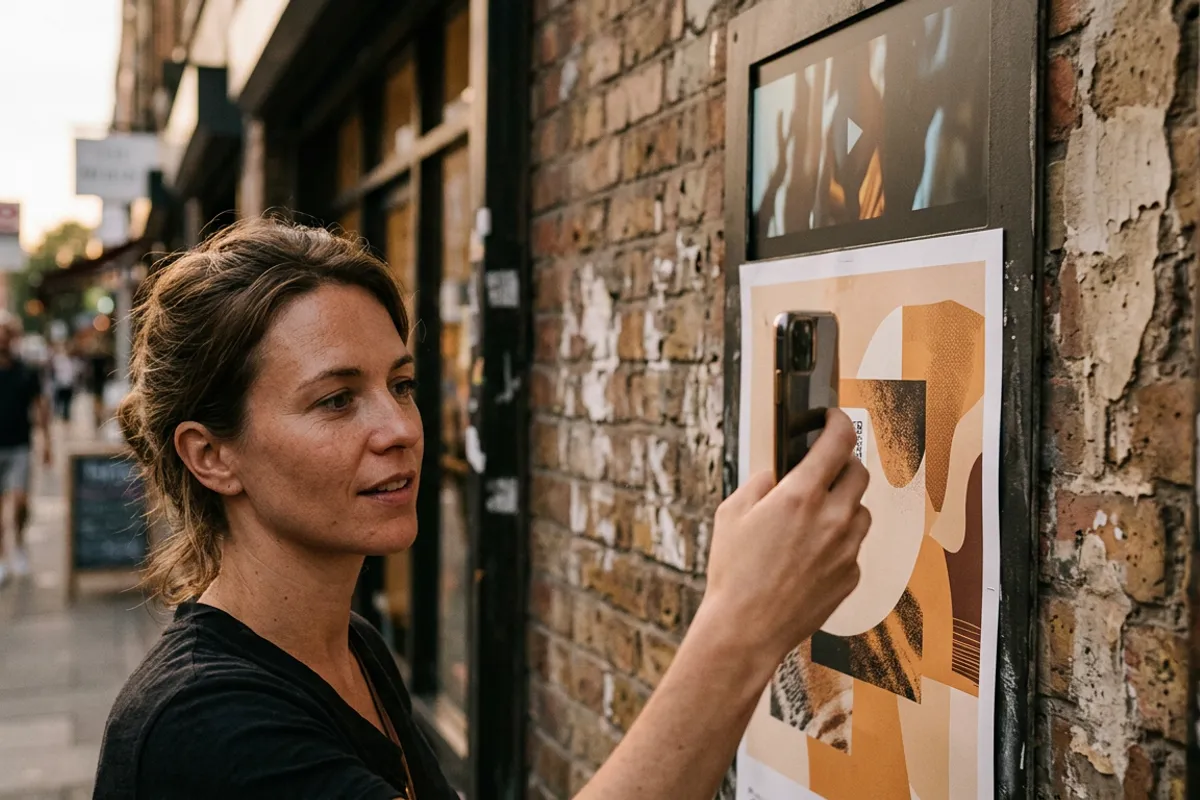
A kindergarten graduation album is the first big keepsake most families ever order — and the age when children change fastest. A printed portrait shows what a five-year-old looked like; it can't show how they talked, sang at the graduation party or built towers with friends. With WebAR it can: point a phone at the child's photo and a video of them plays right on the page. Here is how photographers produce and sell these albums, and when the season actually starts.
Quick answer
A kindergarten AR graduation album pairs each child's printed portrait with a short video — the child singing at the party, playing, or saying what they want to be when they grow up. Parents scan one QR code and point the camera at any page; the video plays in the browser, no app needed. Photographers pitch it to parent committees in fall, shoot in winter–spring, and deliver before graduation.
Key takeaways
- Each album page is a portrait + a 15–30 second clip of that child; batch upload assembles a whole group in one session.
- The pitch to parent committees happens in fall — committees choose the graduation photographer months before the party.
- One shooting day can produce both stills and video clips; the graduation party itself adds performance footage.
- Every family's album can play the same group videos plus their own child's personal clips.
- Videos are replaceable after printing — late footage from the party can be added without reprinting albums.
Why kindergarten albums benefit from AR more than any other
School albums capture teenagers who will still look recognizable in ten years. Kindergarten albums capture five- and six-year-olds — an age parents already struggle to remember clearly two years later. The voice, the missing-tooth grin in motion, the way a child dances: that is exactly what a printed page loses and a living photo keeps.
There is also a practical angle: kindergarten graduations come with built-in video material. Children rehearse songs and poems for the party; groups play, draw and perform. A photographer who films short clips during an ordinary shooting day gets pages that genuinely move parents — without staging anything.
That combination — maximum emotional payoff, footage that practically shoots itself — makes this the strongest use case in the family segment.
The season timeline: pitch in fall, deliver in spring
Graduation happens in late spring, but the decision happens much earlier. Parent committees typically pick the album photographer in fall or early winter, when they plan the graduation budget. If you show up in April, the contract has been gone for months.
A realistic timeline: September–November — pitch to committees and sign groups; December–March — shooting days (portraits plus video clips per child, group scenes); April–May — the graduation party itself, which adds performance footage; then album assembly, printing and AR pairing before the final goodbye.
The general production approach mirrors the school workflow described in the graduation photo album landing — kindergartens just compress it into a smaller group and a more emotional product.

Pitching to the parent committee
The pitch is a demonstration, not a description. Bring one printed sample page — any child's photo from a previous project or your own demo — and let a committee member scan the QR code and watch the page come alive on their own phone. That thirty-second moment does more than any price list.
Key points parents care about: no app to install (it works in Safari and Chrome, which matters for grandparents), each family gets their own child's clips, and the QR code keeps working — the album still plays years later.
Be transparent about the structure: a base album price plus the AR option per album or per group. Committees compare offers, and 'the album where the kids sing' is a differentiator no plain-print competitor can match.
Production: shooting and assembling the album
During the shooting day, capture two things per child: the portrait for print and a 15–30 second clip. Reliable clip formats: the child answering one question ('What do you want to be?'), singing a verse from the graduation song, or just playing and laughing. Keep the video's first frame close to the portrait so the page appears to wake up.
For print, follow trigger rules: detailed backgrounds and matte paper track better than flat backdrops and glossy lamination. Faces are strong triggers by themselves, so standard portrait pages work well.
Assembly is the standard workflow scaled to a group: upload all photo + video pairs via batch upload, print one QR code in each album, done. Group pages — the party performance, a game montage — are pairs like any other and appear in every family's album. Production logic is the same as any AR photo book.
Economics for the photographer
Platform costs are simple: first AR photos are free for testing and samples, and PRO at $24/month billed yearly includes 20 AR photos per month. A group of 20 children with one personal clip each plus a handful of group videos fits within one to two billing months; larger projects scale the plan.
The revenue side is where kindergarten groups shine: one signed committee means 15–30 albums in a single order, and the AR option is priced per album on top of the base price. Since more than 62 000 photographers already use the platform, the pattern is proven — the scarce resource is signed groups, which is why the fall pitch matters more than anything in production.
Make a sample page before the fall pitch
Sign up at pro.stories-ar.com, build one living album page for free and let the parent committee scan it — the demo sells the album.
Start for freeFrequently asked questions
Do parents need to install an app to watch the album?+
No. They scan the QR code once and the album plays in the phone browser — Safari on iOS, Chrome on Android.
What if the graduation party footage arrives after the albums are printed?+
That's fine — videos can be added or replaced in the dashboard anytime. The printed pages and QR code stay the same.
Does every family see every child's videos?+
You decide the pairing. The usual setup: group pages play shared videos, and each child's portrait page plays that child's personal clip.
When should I approach parent committees?+
In fall — September to November. Committees choose the graduation photographer when they plan the budget, months before the party.