
QR code for video: free generator
Paste a link to your video and download a print-ready QR code — free, no signup. And below: how to make the photo itself play the video, without any code on the print.
Quick answer
To make a QR code for a video, paste the video link (YouTube, Vimeo, cloud storage) into the generator on this page and download the PNG — it's free and works with any printer. If you want a more elegant result, augmented reality can play the video directly on top of the printed photo, so the print stays clean with no visible code.
Free QR code generator for video
Paste a link to your video (YouTube, Vimeo, cloud storage — any URL) and download a QR code. Print it on cards, albums or posters.
Want the photo itself to play the video — with no QR code on the print? That's what Stories AR does: the camera recognises the photo and plays the video on top of it.
Try AR photo insteadHow to use a video QR code
- Upload your video to any host that gives you a link: YouTube (unlisted works), Vimeo, Google Drive, Dropbox.
- Paste the link into the generator above and download the PNG.
- Place the code on your print — postcard, flyer, album page, product packaging.
- Test with your phone camera before sending to print.
Tip: keep the printed code at least 2×2 cm and leave a white margin around it — small or cramped codes scan poorly. More ideas: augmented reality QR codes.
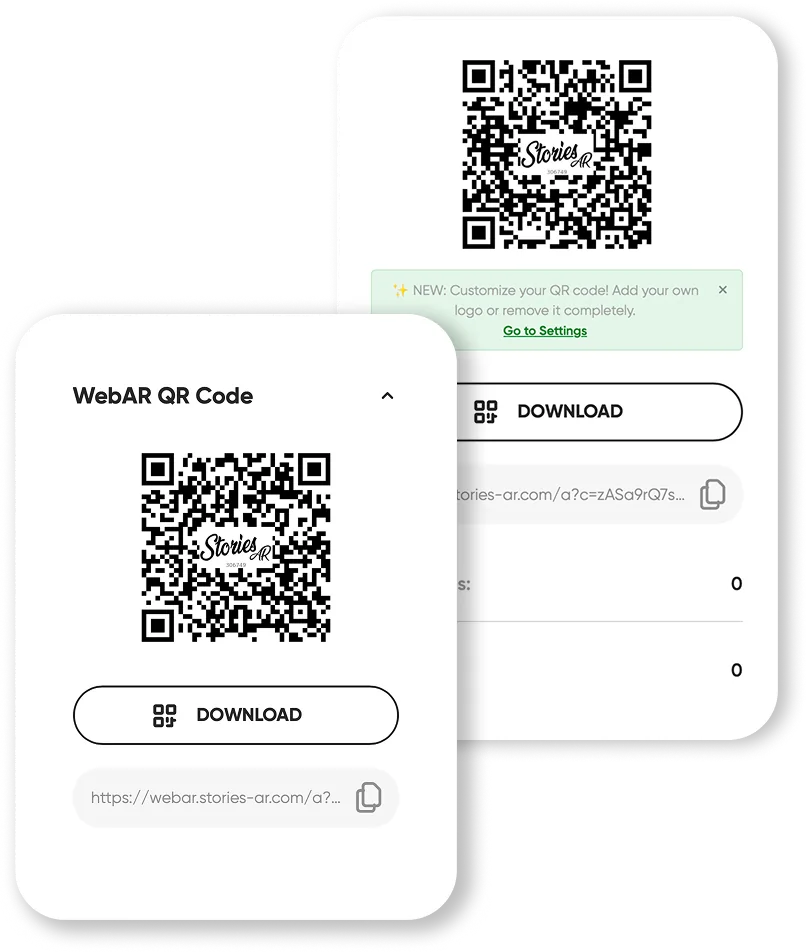
The limitation of QR codes on photos
A QR code on a beautiful print is a compromise: it occupies space, draws the eye, and opens the video in a plain player — disconnected from the photo itself. For product packaging that's fine; for a wedding album or a portrait it breaks the aesthetics.
That's where AR photos come in: the camera recognises the photo itself and plays the video anchored on top of it. The print stays clean — one small QR code on the album flyleaf covers every living photo inside. See the difference in the live demo.
QR code vs AR photo: which to choose
Choose a plain QR code when you need maximum simplicity: a poster linking to a promo video, a menu, a flyer. It's free and universal.
Choose an AR photo when the photo is the product: albums, portraits, magnets, business cards. The video playing over the print is the wow moment clients pay for — photographers charge $5–15 per living photo (earnings calculator).
Frequently asked questions
Is the QR generator on this page really free?+
Yes — paste a link, download the PNG, print it. No signup, no watermark, no limits.
Does the QR code expire?+
The code itself never expires — it encodes your link. It works as long as the video stays available at that link.
Can I track how many people scanned the code?+
A plain QR code has no analytics. Use a trackable short link inside the code, or an AR photo — Stories AR shows scan statistics in the dashboard.
How is an AR photo better than a QR code?+
The video plays on top of the photo itself, the print stays clean without a visible code, and you get scan analytics. The QR code is only used once to open the browser experience.
Make your product spark emotions
Stories AR turns flat photos into living moments people gasp at, film and share. Give your customers that reaction.