Corporate New Year Gifts That Play a Video Greeting
Stories AR team

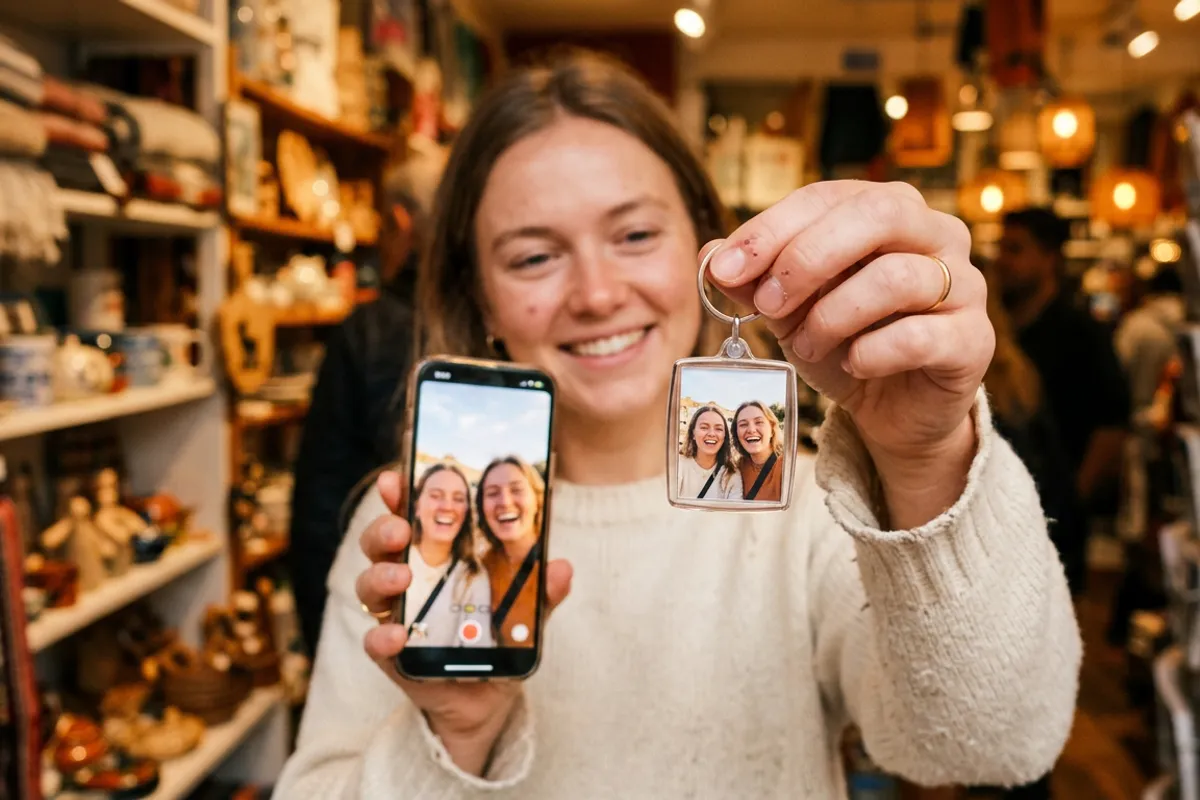
Most corporate New Year gifts get a polite thank-you and a drawer. A postcard that plays a video of the CEO personally wishing partners a good year gets pulled out and shown to the whole office. AR turns standard branded print — cards, calendars, gift tags — into a channel that plays video, and the production workflow scales to hundreds of items. Here is how it works and when to start so the print run is ready before December.
Quick answer
A corporate AR gift is branded print — a postcard, calendar or card — that plays a video when scanned: the recipient scans a QR code, the browser opens the camera, and the greeting plays on top of the print. Setup on Stories AR: upload the design and the video, get one QR code for the whole run, print. Start in October–November so design, video shoot and printing are done before the December rush.
Key takeaways
- One AR photo covers the whole print run: every copy of the same postcard shares one QR code and one video.
- The recipient needs no app — the greeting plays in Safari or Chrome after a QR scan.
- The video can be replaced after printing: the same calendar can play a new message each quarter.
- Realistic timeline: concept and design in October, video shoot in November, printing by early December.
- The first AR photos are free, so the pilot postcard costs only design and printing.
What an AR New Year gift looks like
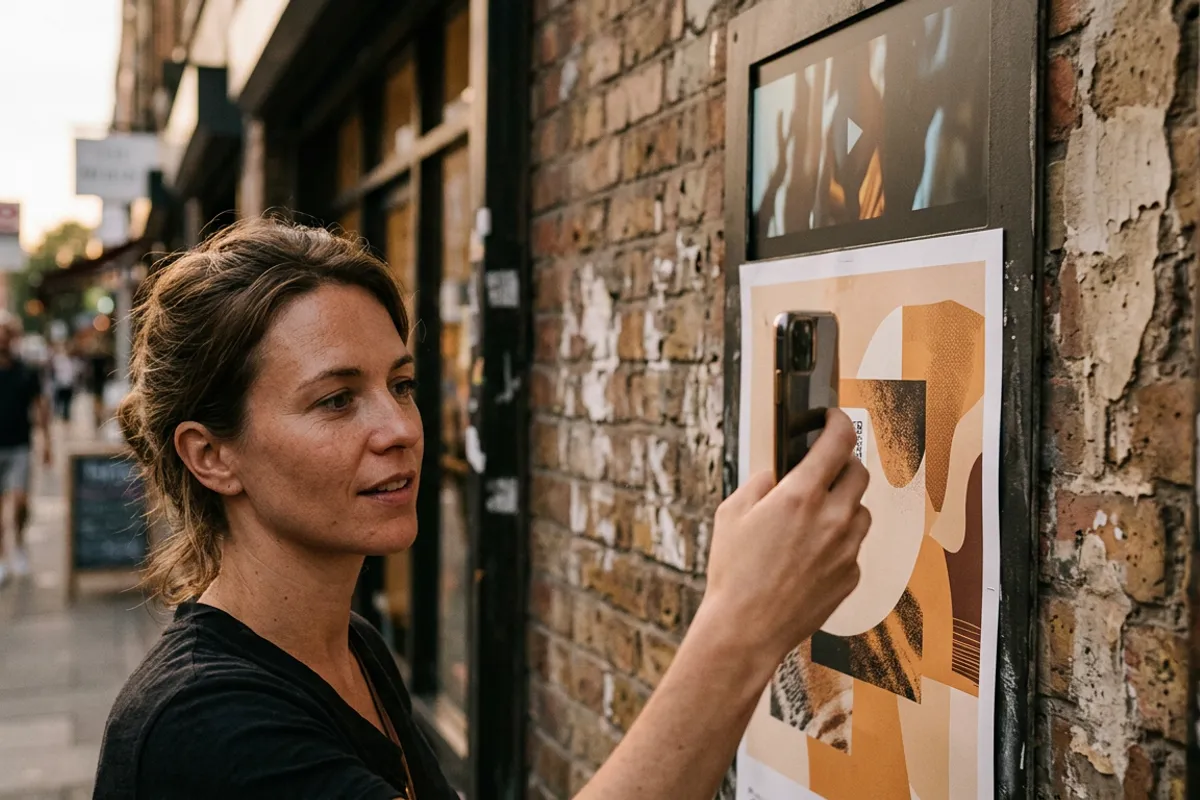
The physical product stays familiar: a branded postcard, a desk calendar, a gift box tag, a bottle sleeve. The addition is a QR code and a trigger image. The recipient scans the code, the browser opens the camera, they point it at the card — and the CEO's New Year greeting plays anchored on top of the print. No app to install, which matters when your recipients are busy partners and clients.
The mechanics are the same as any QR code video on print: the printed image is paired with a video in the Stories AR dashboard, and the platform generates a permanent link and QR code.
The formats that work best for corporate gifting are the ones people keep: calendars stay on desks for twelve months, and each month page can carry the same trigger. A card gets one December moment; a calendar gets a year of scans.
The bulk workflow: one video, hundreds of prints
The key production fact: identical prints share one AR photo. If you print 500 copies of the same postcard, that is one photo-video pair in the dashboard, one QR code placed into the design file, one upload. The 500 copies come from the print shop, not from the platform.
The workflow for a typical corporate run:
- Design the card or calendar, leaving space for the QR code and choosing a detailed, non-glossy main image as the trigger.
- Shoot the greeting video — 30–60 seconds of the CEO or team works better than a two-minute corporate montage.
- Upload the trigger image and video at pro.stories-ar.com; download the QR code and place it in the design.
- Print a single proof, scan it with two or three different phones, then release the full run.
- Ship. Every copy plays the same video from day one.

The timeline: why October, not December
The AR part is the fastest step in the chain — pairing a photo and a video takes minutes. Everything around it is what needs lead time: agreeing the concept, booking the CEO for a video shoot, design revisions, and print-shop queues that fill up by late November.
A calm schedule looks like this: concept and design in October, video shoot in the first half of November, proof and test scans in mid-November, full print run by early December, shipping before the holidays. Working backwards from that, October is when the project should start — not because of urgency theater, but because video shoots with executives reschedule and print shops queue.
One AR-specific advantage removes the scariest deadline: the video can be replaced after printing. If the CEO's greeting is not ready when the print deadline hits, print anyway with a placeholder video linked — and swap in the final cut later. The QR code on the cards never changes.
Beyond the postcard: cards, calendars, business cards
Once the December run proves the format, the same mechanics extend across corporate print. A desk calendar can play a different message per quarter — replace the video four times a year behind the same printed trigger. Event badges and gift tags work the same way.
The natural year-round companion is the AR business card: the card a partner keeps after the holiday plays a short intro video whenever it is scanned. The New Year campaign becomes the pilot; the business cards become the permanent channel.
On costs: the first AR photos on Stories AR are free, which covers a pilot. The PRO plan is $24/month billed yearly with 20 AR photos per month — enough for a gifting campaign plus business cards for a leadership team. More than 62 000 photographers and creators already use the platform, with over 259 000 AR photos created.
Run a pilot postcard this week
Upload a design and a test video, print one proof, scan it. The first AR photos are free — the pilot costs only printing.
Start for freeFrequently asked questions
Do we need one AR photo per printed copy?+
No. Identical prints share one AR photo: 500 copies of the same postcard use one photo-video pair and one QR code.
Do recipients need to install anything?+
No. They scan the QR code and the video plays in the browser — Safari on iPhone, Chrome on Android.
What if the CEO video isn't ready before the print deadline?+
Print anyway. The QR code never changes, so you can link a placeholder and replace it with the final video later — every printed copy updates instantly.
When should a December campaign start?+
October. Design, an executive video shoot and print-shop queues all need lead time; the AR pairing itself takes minutes.