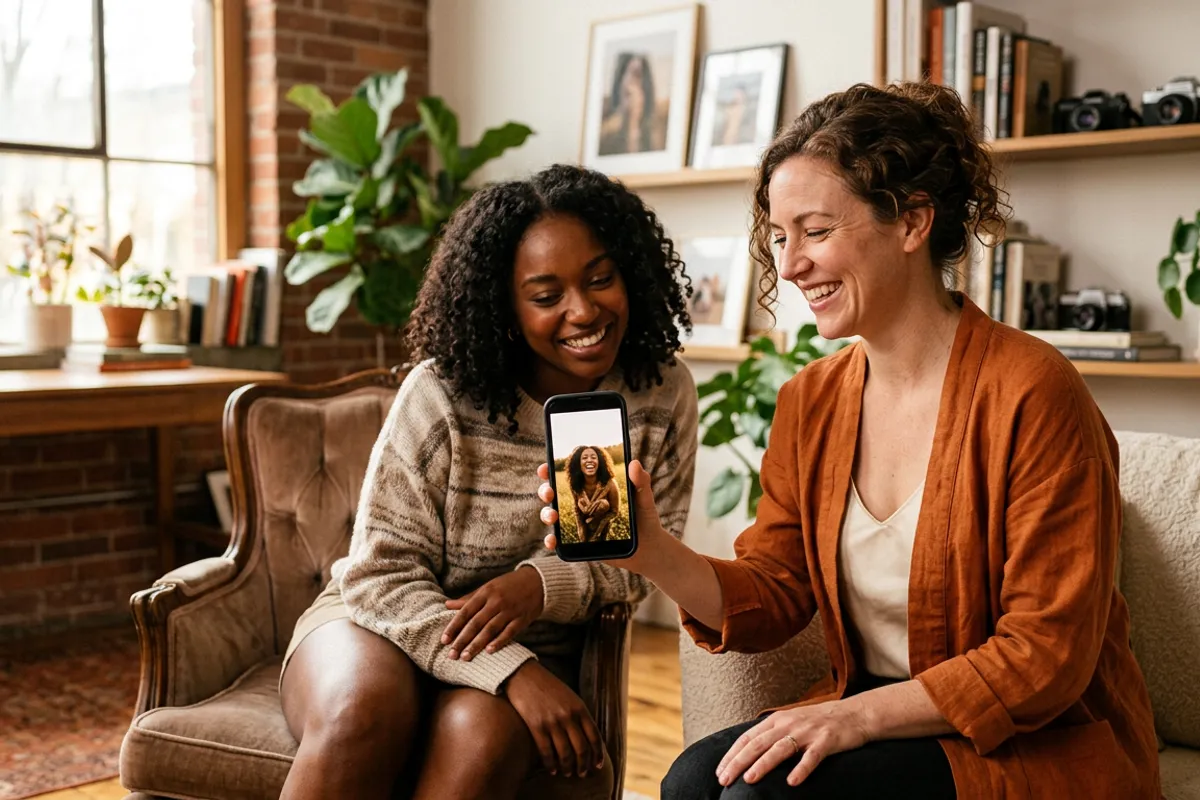
The 30-Second Living Photo Demo That Sells Itself
Stories AR team
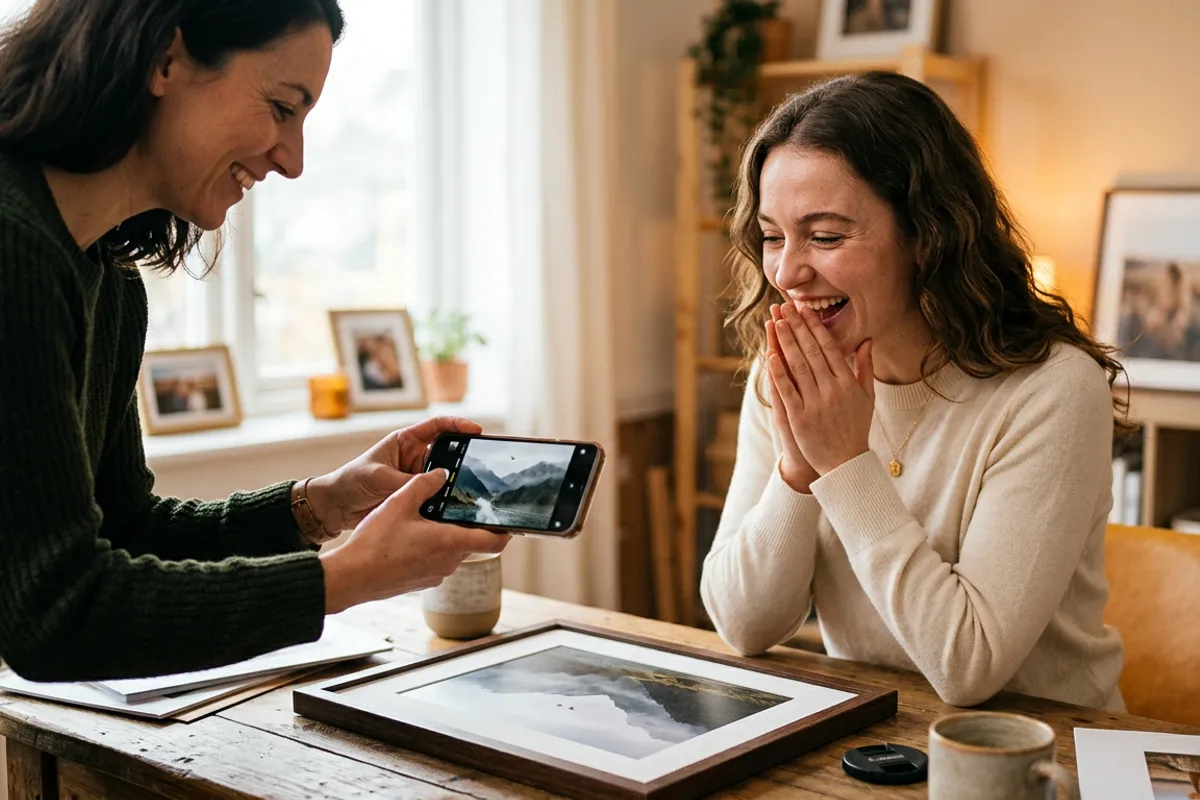
AR photos have a strange sales property: describing them almost never works, showing them almost always does. "Your printed photo plays a video" sounds like a gimmick until the client sees a print come alive in their own hands. This guide covers the exact 30-second demo — at booking, at delivery, even in a coffee shop — and the mistakes that ruin it.
Quick answer
Carry one prepared demo print with a QR code, hand the client YOUR print but THEIR phone: they scan the code, the browser opens the camera, they point it at the photo and it starts playing. No app to install, so the demo takes about 30 seconds. Let the client hold everything themselves — the wow moment happens in their hands, not yours.
Key takeaways
- Never explain first — scan first. A 30-second live demo replaces five minutes of description.
- Prepare one dedicated demo print with an emotional 10–20 second video and a clean QR code.
- The client must do the scanning on their own phone: the effect lands when it happens in their hands.
- No app install is the demo's secret weapon — the browser opens the camera straight from the QR code.
- The follow-up question to ask is not "do you like it?" but "which photo from your shoot should do this?"
Why a demo beats any explanation
AR photos are a physical-plus-digital product, and words flatten them into one or the other. Say "video" and the client pictures a screen; say "printed photo" and they picture paper. The product only exists in the moment the two merge — and that moment can't be narrated, only witnessed.
There is also a trust problem: "the photo comes alive" sounds like marketing. A live scan removes all doubt in seconds, because the client's own phone is doing it. More than 62 000 photographers use the platform, and the demo print is the standard way the product gets sold.
The practical rule: never pitch AR photos in text or on a call without immediately sending a scannable sample. If you can't meet in person, the online demo does the same job — the client scans right from their screen.
Prepare your demo print once
Build one dedicated demo piece and keep it in your bag. What makes a good one:
- A detailed, emotional image — a portrait or a candid moment, not a flat graphic. Detail is what the tracking locks onto.
- A 10–20 second video whose first frame matches the print, with sound: laughter or a spoken phrase doubles the impact.
- A clean, large-enough QR code printed on or next to the photo.
- Matte finish — gloss glare can spoil the scan under café or office lighting.
- Test it on both an iPhone and an Android phone before you rely on it.
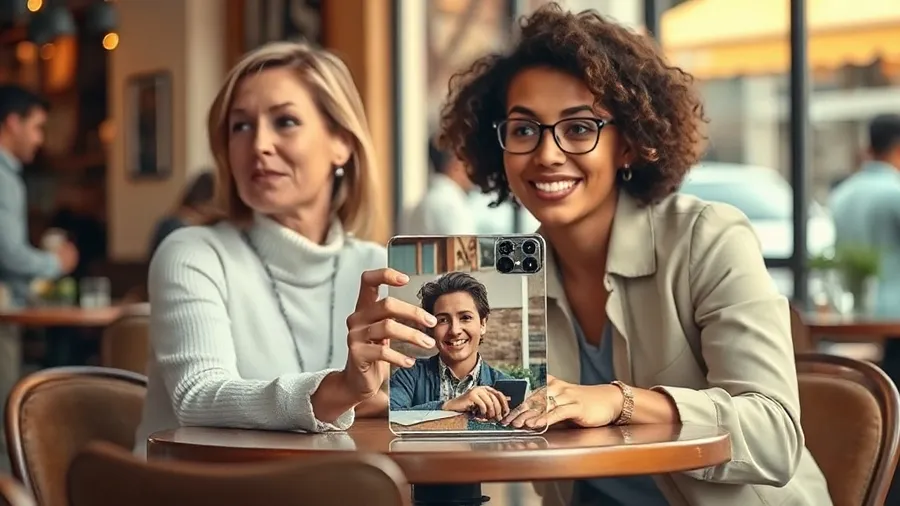
The 30-second script: hand them the phone
Step one: put the print on the table and say one sentence — "Scan this with your camera." Nothing more. Step two: the client scans the QR code with their own phone; the browser opens the camera automatically, no app, no sign-up. Step three: they point the camera at the print, the video starts playing anchored on the photo — and you stay silent while it plays.
The order matters. If you scan with your phone and show them the screen, you have turned a magic trick into a product video. When it happens on their phone, aimed by their hand, the client's brain files it as "I did this" — which is exactly the experience their own clients or guests will have.
After the video ends, ask the closing question: "Which photo from your shoot should we make alive?" It skips "whether" and goes straight to "which" — the client is already choosing.
Demo at booking vs demo at delivery
At booking, the demo sells the add-on before the shoot: you can plan the paired video clips during the session — same pose first, then movement. This produces the strongest final product, because the print appears to wake up.
At delivery, the demo sells the upgrade: show the demo print while handing over the finished photos, then offer to make one or two of their best shots alive. Since a video can be attached to any photo later, delivery-stage sales need no reshoot.
Either way the ticket math is simple: AR photos are usually priced as a premium add-on. Run your own numbers in the earnings calculator to see what the add-on does to a month of shoots.
Common presentation mistakes
Mistake one: explaining the technology before the scan. Every sentence about "WebAR" and "image tracking" lowers the wow. Demo first, answer questions after.
Mistake two: scanning it yourself. Covered above — the effect belongs in the client's hands.
Mistake three: a boring demo video. A slow pan over a landscape proves the tech works and sells nothing. Use a human moment with sound.
Mistake four: bad demo conditions — crumpled print, glossy glare, dim light. The camera needs to see the image clearly; carry the print flat and demo in decent light.
Mistake five: no next step. End every demo with the "which photo?" question or a concrete package offer, otherwise the wow evaporates as a fun moment with no order attached.
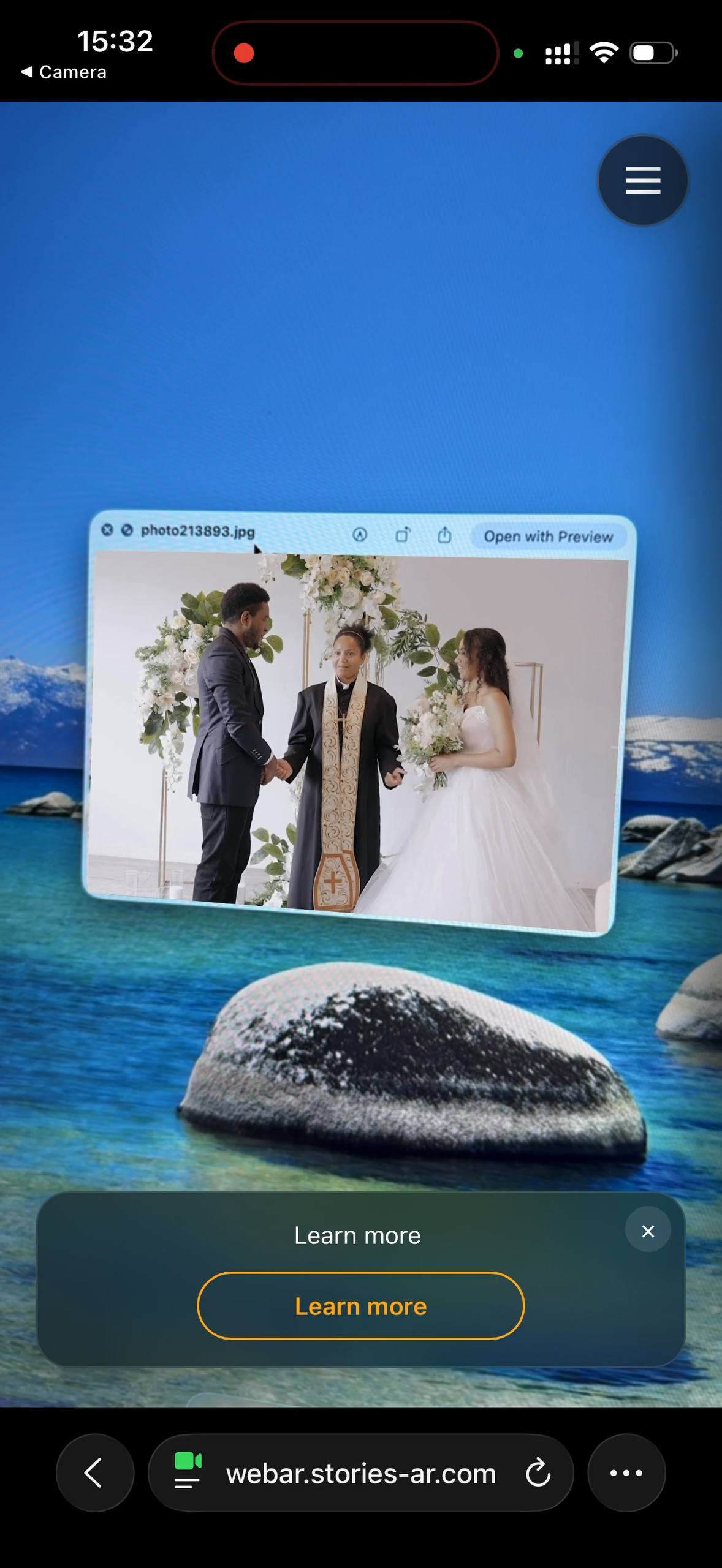
Build your own demo print
Upload a photo and a video, print the QR code — your 30-second sales tool is ready. First AR photos are free.
Start for freeFrequently asked questions
Does the client need to install anything for the demo?+
No. The QR code opens the AR viewer in the phone browser — Safari on iOS, Chrome on Android — and the camera starts right there.
What if the client has no printed sample in front of them?+
Use the online demo page: the client scans the QR code and points the camera at the demo photo on your screen. AR photos work from screens too.
Is the camera feed recorded during a demo?+
No. The camera feed is processed locally in the browser; nothing is recorded or uploaded.
How long should the demo video be?+
10–20 seconds. Long enough for an emotional beat, short enough that the client watches to the end and immediately asks how it works.