
What Happens If You Cancel Your Subscription?
Stories AR team

Before paying for any AR platform, smart buyers ask the uncomfortable question first: what happens to my printed photos if I stop paying? A wedding album is supposed to last decades. A subscription might not. This article answers the real doubts — what a subscription actually controls, what the free tier covers, and where to check the exact terms before you commit.
Quick answer
With Stories AR you can start on the free tier — your first AR photos cost nothing, so you can test everything before paying. The PRO plan ($24/month billed yearly, 20 AR photos per month) is for volume. QR codes and links are permanent identifiers: you can replace the video behind them anytime without reprinting. For the exact retention policy on cancelled accounts, check the current terms at pro.stories-ar.com.
Key takeaways
- The free tier lets you create your first AR photos without paying — test the whole flow before committing.
- The QR code and link on a print never change; the subscription controls how many new AR photos you can create, not the code itself.
- You can replace the video behind an existing print at any time — no reprinting, no new QR codes.
- The viewer's camera feed is processed locally in the browser; nothing is recorded or uploaded.
- For the exact policy on what happens to hosted content after cancellation, always check the current terms at pro.stories-ar.com.
What a subscription actually controls
It helps to separate two things people usually mix up: the AR photos you have already created, and your ability to create new ones.
The PRO plan — $24 per month billed yearly — includes 20 new AR photos per month. That is the production side: how many photo-video pairs you can add to your account. The QR code and link attached to each existing AR photo are stable identifiers. When you replace the video in the dashboard, every printed copy plays the new one instantly — the code on the print never changes.
So the question "what happens if I cancel" is really two questions: can I still create new AR photos (that depends on your plan), and do my existing prints keep working (that depends on the platform's retention terms for inactive accounts).
The honest answer about cancelled accounts
We are not going to invent a promise here. Retention policies — how long hosted videos stay live after a subscription ends — are defined in the platform's terms of service, and terms can change. The only reliable source is the current agreement you accept when you sign up.
Before you build a business on any AR platform, read the terms at pro.stories-ar.com and check what they say about inactive and cancelled accounts. If something is unclear, ask support directly before you print a large run. That is what a professional photographer should do with any hosted service — Stories AR included.
The practical mitigation is simple: because the video behind a print can be replaced at any time, your printed products are never locked to one version of your content. If your plans change, the print itself does not become waste — the code stays valid as an identifier.
Why the free tier changes the risk math
Stories AR starts with a free tier: your first AR photos cost nothing. That reverses the usual buying order. Instead of paying and then finding out whether WebAR fits your workflow, you create real AR photos, print them, hand them to clients and watch how people react — all before spending anything.
More than 62 000 photographers use the platform and over 259 000 AR photos have been created on it. That scale matters for a trust decision too: a platform serving tens of thousands of paying professionals has strong incentives to keep existing content working.
When you outgrow the free tier — typically when AR becomes a paid add-on you sell with every shoot — the PRO plan at $24/month billed yearly covers 20 AR photos per month. White-label plans exist for studios and labs that want the viewer under their own brand.
The privacy question buyers also ask
The second doubt that comes up before paying is about the camera. When a client's guest scans a QR code, a browser camera view opens and points at the print. Is that footage going anywhere?
No. The camera feed is processed locally in the browser — it is used only to recognize the trigger image and anchor the video on top of it. Nothing is recorded, nothing is uploaded. There is also no app to install, so viewers are not granting long-lived camera permissions to yet another application; the browser asks once, for that session.
This matters when you sell AR products to families: you can honestly tell them that scanning a living photo does not send their living room to anyone's server.
A practical checklist before you subscribe
If you are evaluating Stories AR — or any AR photo platform — run through this list before paying:
- Create 2–3 real AR photos on the free tier and test them on both iPhone (Safari) and Android (Chrome).
- Print one at the smallest size you plan to sell and check that recognition is stable.
- Replace the video behind an existing photo and confirm the printed QR code plays the new version.
- Read the current terms at pro.stories-ar.com, specifically the sections on cancellation and content retention.
- Only then decide whether the PRO plan's 20 AR photos per month matches your expected volume.
Test the risk yourself — for free
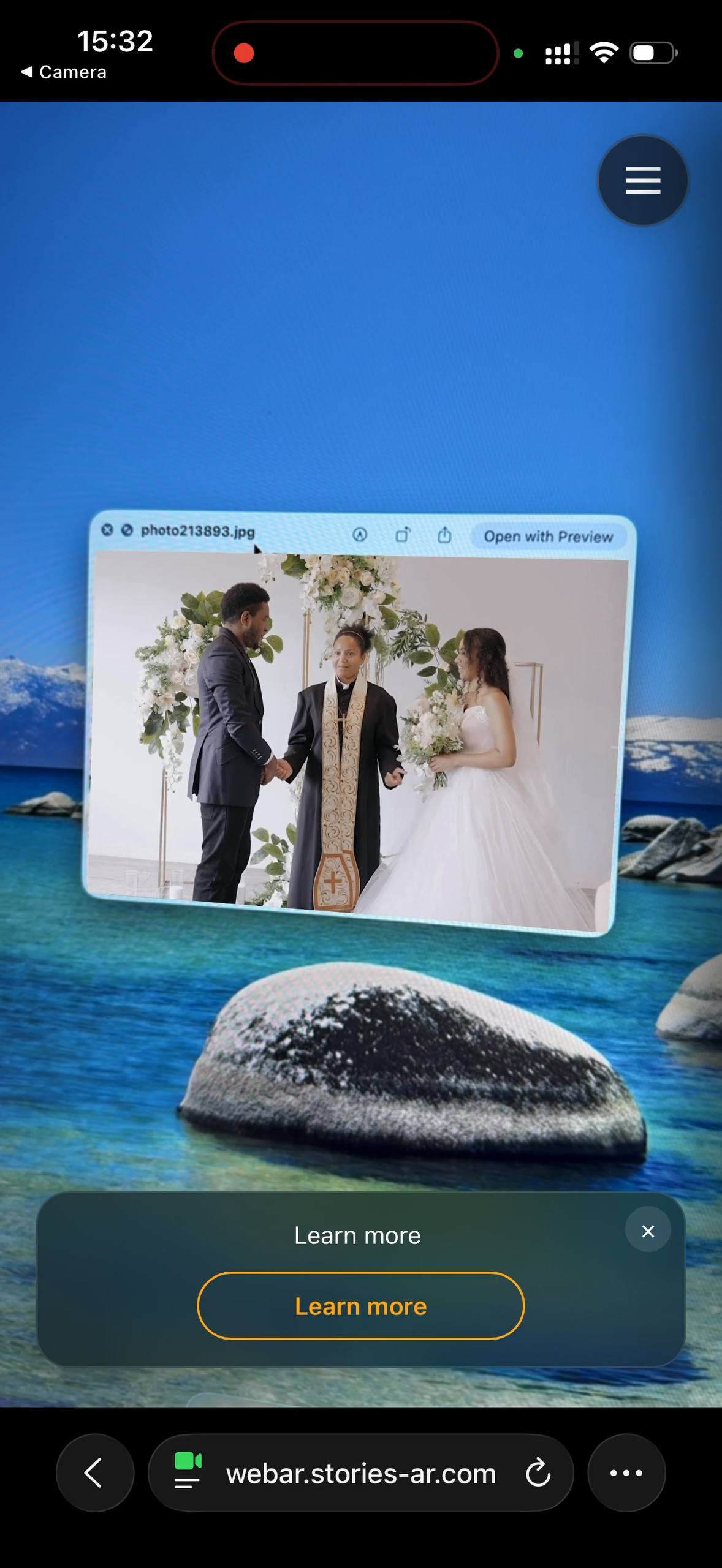
Create your first AR photos on the free tier, print one, scan it, replace the video. Decide with facts, not promises.
Start for freeFrequently asked questions
Do my QR codes change if I change plans?+
No. The QR code and link attached to an AR photo are stable — you can replace the video behind them at any time without reprinting anything.
Can I use Stories AR without paying at all?+
Yes, there is a free tier: your first AR photos are free. The PRO plan at $24/month billed yearly (20 AR photos per month) is for regular production volume.
How long do AR photos keep working after I cancel?+
That is defined by the platform's terms of service, which can change over time. Check the current terms at pro.stories-ar.com and ask support before printing a large run.
Is the viewer's camera footage stored anywhere?+
No. The camera feed is processed locally in the browser to recognize the print and anchor the video. Nothing is recorded or uploaded.