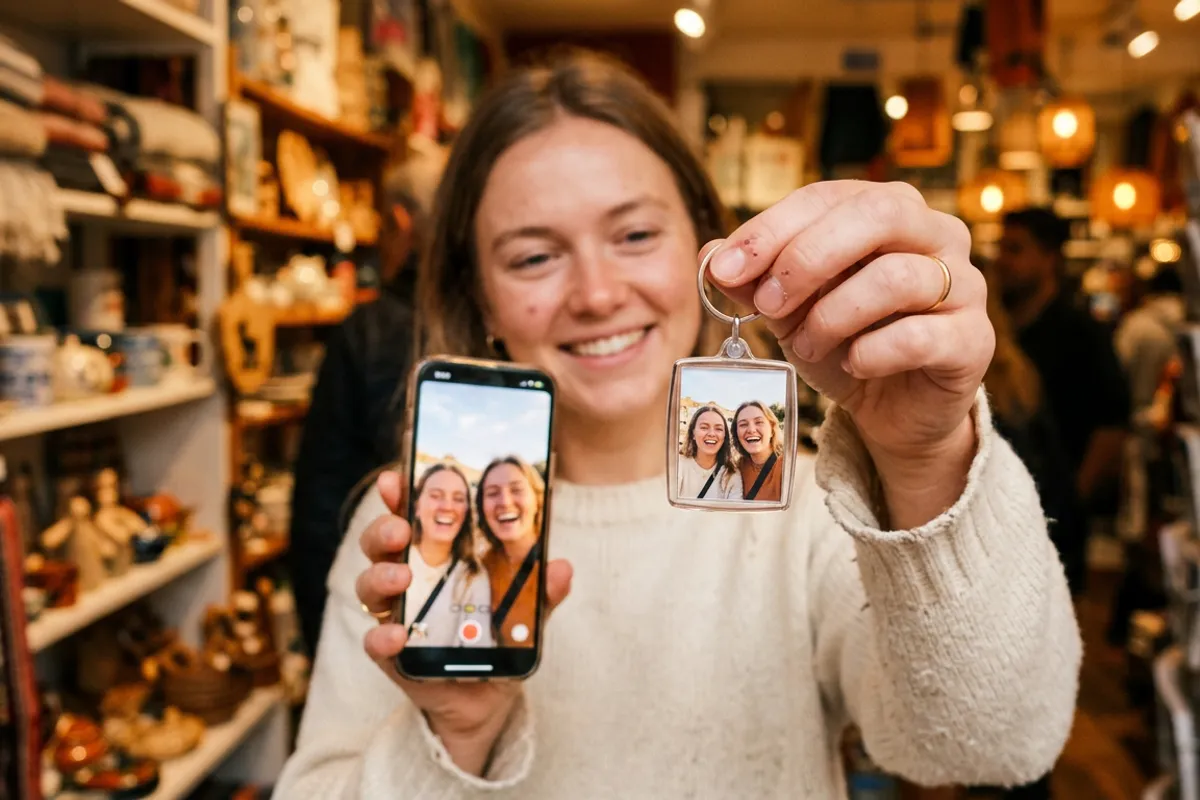
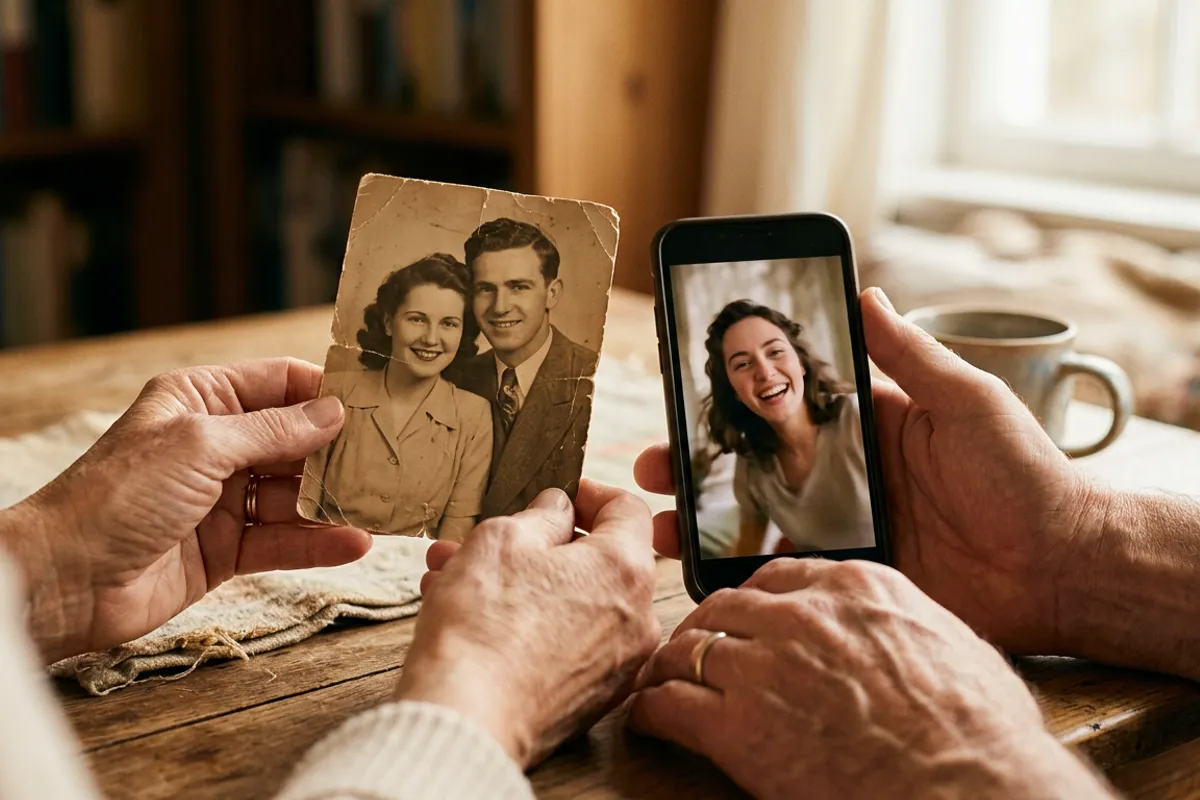
Photo Calendars That Play Video: 12 Months, 12 Clips
Stories AR team
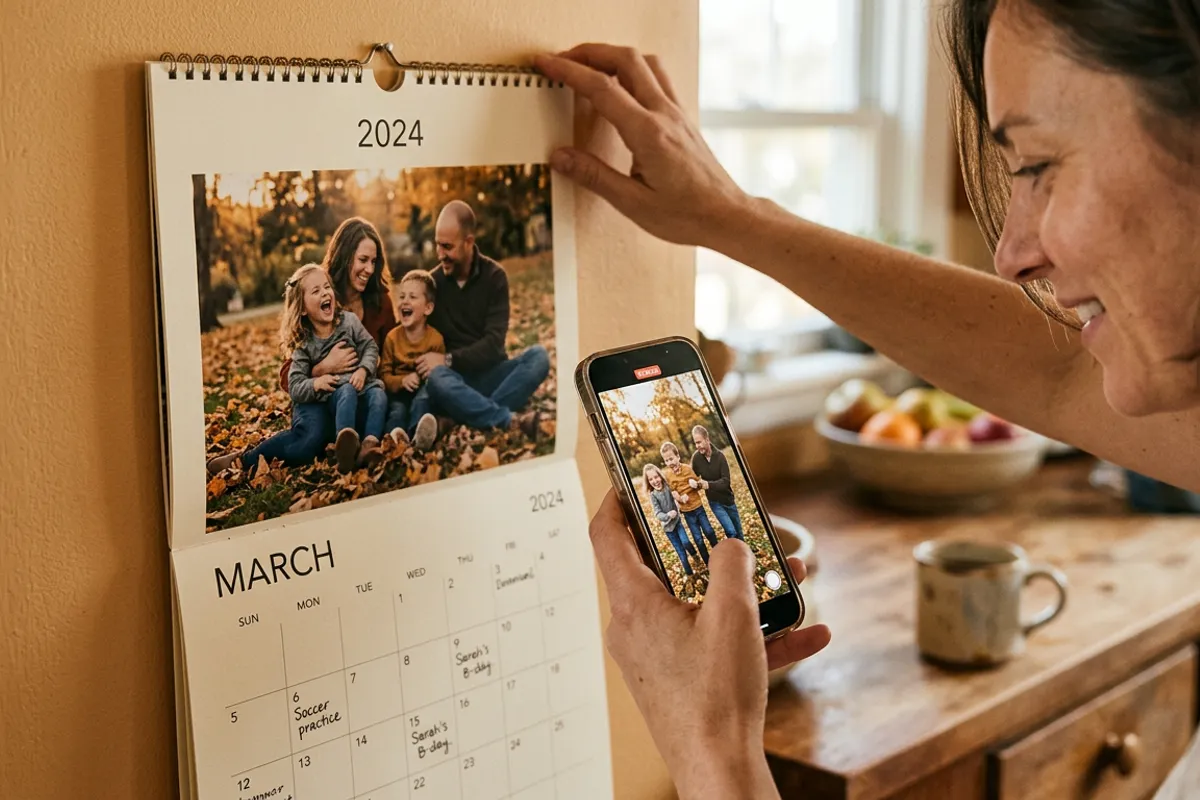
A photo calendar is the one print product that clients look at every single day for a year. Add WebAR and each month becomes a living photo: point a phone at January and the family's New Year clip plays; point at June and there's the beach video. For photographers, calendars are also the most predictable seasonal product of the year — and the season starts in the fall, not in December. Here is the full production and sales playbook.
Quick answer
An AR photo calendar pairs each month's printed photo with a short video in the Stories AR dashboard — 12 photos, 12 clips, one QR code on the calendar. Clients scan the code once and point their camera at any month to watch it play in the browser, no app needed. Photographers should start offering AR calendars in September–October, because clients order them as New Year gifts and printing takes lead time.
Key takeaways
- One calendar = 12 photo + video pairs plus one QR code; batch upload builds it in a single session.
- Start selling in September–October: clients order calendars as New Year gifts, and print runs need lead time.
- Videos can be replaced anytime without reprinting — a calendar can even get fresh clips mid-year.
- Detailed, textured photos track best; avoid flat single-color month designs and glossy lamination.
- PRO at $24/month includes 20 AR photos — roughly one and a half calendars per billing month.
Why a calendar is a stronger AR product than a single print
A framed living photo print gets scanned a lot in the first weeks, then settles into occasional replays. A calendar resets the novelty twelve times. Every month the client flips the page and gets a new living photo — a new reason to pick up the phone and a new reason to show guests.
It is also a naturally serialized product. Twelve slots ask for twelve moments: the newborn's first months, a year of family shoots, a couple's twelve favorite trips. That structure sells itself — clients understand immediately what goes where.
And unlike an album that lives on a shelf, a calendar hangs on a wall in the kitchen or office. It is a daily-visibility product, which is exactly where AR earns its keep.
Why fall is when calendar season starts
Calendars are a New Year product with a fall supply chain. Clients decide on gifts in November–December, but the photographer's work happens earlier: shooting or selecting twelve strong frames, designing the layout, test-printing, and leaving margin for the print lab's busiest weeks of the year.
That means September–October is when you should add AR calendars to your price list and mention them to every client from fall family sessions. A fall shoot maps perfectly onto the pitch: 'these photos can become your next year's calendar — and every month can play video.'
This is preparation, not urgency theater. The photographers who offer calendars in September simply catch the orders; the ones who think of it in mid-December fight print deadlines.
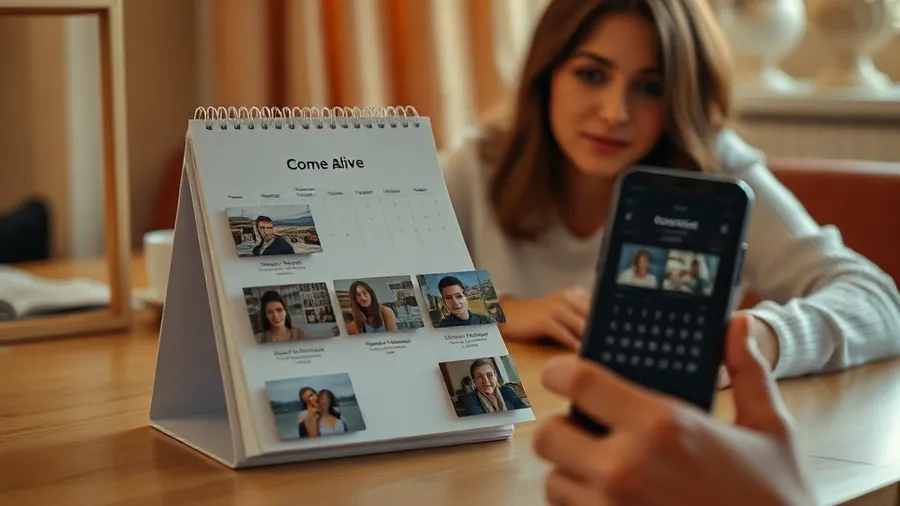
Production: from 12 pairs to one QR code
The build is the standard living-photo workflow multiplied by twelve. Select each month's photo and a matching clip — ideally the video starts on the same frame as the print, so the page appears to wake up. In the Stories AR dashboard, batch upload takes all twelve pairs in one go.
Print one QR code on the calendar — on the cover or repeated in the footer of every month. The client scans once; from then on the browser camera recognizes whichever month is open. Everything runs in Safari or Chrome, with no app install.
Trigger quality matters more on calendars than on albums because layouts tempt designers toward minimalism. Keep each month's photo large and detailed — faces, textures, scenery. Flat color fields, heavy white space around a tiny photo, and glossy coating all weaken tracking. A quick pre-print test with the demo tells you if a layout works.
Video ideas for the 12 months
For family calendars: each month plays the clip from the moment the photo was taken — the platform's classic pairing. If clients only have photos for some months, shoot short 'wave and laugh' clips during one session and distribute them.
For baby-year calendars: month by month, the child grows — each page plays a 10–20 second clip from that month. This is arguably the strongest emotional format a calendar can carry.
For business calendars: a company calendar where each month plays a product story, a team greeting, or a behind-the-scenes clip. Since videos are replaceable, a business can update clips quarterly behind the same printed calendar — the QR code never changes.
Pricing the product
Your costs: print (lab-dependent) plus the platform. The first AR photos on Stories AR are free — enough to build a sample calendar for your studio wall. The PRO plan is $24/month billed yearly and includes 20 AR photos per month, so a 12-photo calendar fits inside one billing month with room to spare.
On the revenue side, an AR calendar is priced as a premium product: clients pay for twelve living photos, not for paper. Photographers typically charge a multiple of a plain calendar's price, and families order several copies — grandparents are the classic second and third order of the same calendar, at almost zero extra production cost.
To see what the numbers look like across your own volume and prices, run them through the photographer earnings calculator.
Add AR calendars to your fall price list
Sign up at pro.stories-ar.com, build a 12-month sample from one shoot, and start showing it to clients before the New Year rush.
Start for freeFrequently asked questions
Does the client need one QR code or twelve?+
One. The client scans a single QR code, and the browser camera then recognizes whichever month page it is pointed at.
When should I start offering AR calendars?+
September–October. Clients order calendars as New Year gifts in November–December, and you need lead time for design and printing.
Can I change a month's video after the calendar is printed?+
Yes. Replace the video in the dashboard and the printed page immediately plays the new clip — no reprint needed.
What photos work badly on calendar pages?+
Flat single-color designs, tiny photos surrounded by white space, repeating patterns and glossy lamination. Large, detailed photos with faces or texture track best.