Open-Source WebAR vs Stories AR: Build or Buy
Stories AR team

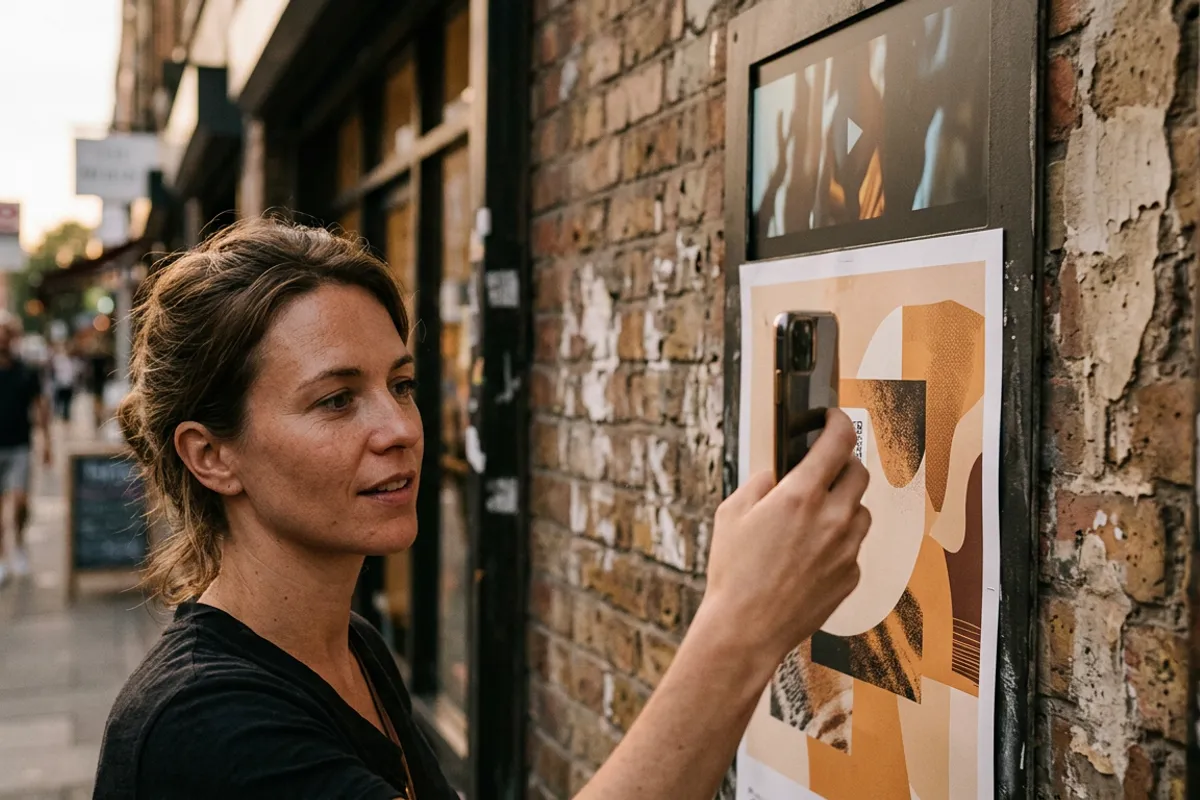
If you want a printed photo to play video through a phone browser, you have two honest paths. Path one: take an open-source WebAR library like MindAR or AR.js and build the experience yourself. Path two: use a no-code platform like Stories AR, where upload + video = working QR code. The libraries are free; your time is not. This is a build-or-buy comparison written to help you pick correctly — including the cases where open source is clearly the right call.
Quick answer
Open-source WebAR libraries (MindAR, AR.js) are free to license but you build and maintain everything around them: viewer UI, video handling, marker compilation, hosting, and any content-management dashboard. Stories AR is a no-code platform: upload a photo and a video, get a QR code — first AR photos free, PRO at $24/month with 20 AR photos included. Developers wanting full control should build; photographers and small brands who need working AR photos this week should buy.
Key takeaways
- The license is free; the product is not — with open source you own the viewer, hosting, updates and browser-compatibility testing.
- MindAR and AR.js are real, capable image-tracking libraries — this is not a strawman comparison.
- No-code wins on time-to-first-photo, a management dashboard, replaceable videos and batch workflows.
- Open source wins on full control, custom interactions, zero per-month fees and no vendor dependency.
- The deciding question is simple: do you have a developer and ongoing engineering time, or do you sell photos?
What open source actually gives you
MindAR and AR.js are JavaScript libraries for browser-based image tracking. They are genuinely free (open licenses), actively used, and capable of exactly the core trick: recognize a target image through the camera and anchor content on top of it. If you are a developer, you can have a demo running on your laptop in an evening.
What they give you is the tracking engine — nothing more. There is no viewer product, no content system, no analytics. That is by design: they are libraries, building blocks for developers.
For some projects that is precisely the appeal: you can build interactions no platform offers, integrate AR into an existing app or site, and never pay a subscription.
What you build yourself around a library
Between 'demo on a laptop' and 'product a client scans at a wedding' sits a list of engineering work. A viewer UI: camera permission flow, loading states, fallbacks when tracking is lost. Video playback anchored to the target — with the mobile-browser autoplay and codec quirks that come with it, across Safari on iOS and Chrome on Android.
Then marker preparation: image targets must be compiled per photo, and someone must judge which photos track well. Then hosting: the page, the videos, a CDN if clients are not all in one city. Then the operational layer — when a client wants to swap a video, that is a redeploy unless you have built a dashboard, which is its own project.
None of this is exotic work. It is just work — ongoing, browser-update-sensitive, and entirely yours. The recent 8th Wall shutdown timeline (access closed February 2026, hosted projects stopping February 28, 2027) is a reminder that even paid infrastructure changes; with self-hosting you carry that responsibility yourself, for better and worse. If you are comparing platforms too, see the 8th Wall alternative breakdown.

What the no-code path gives you
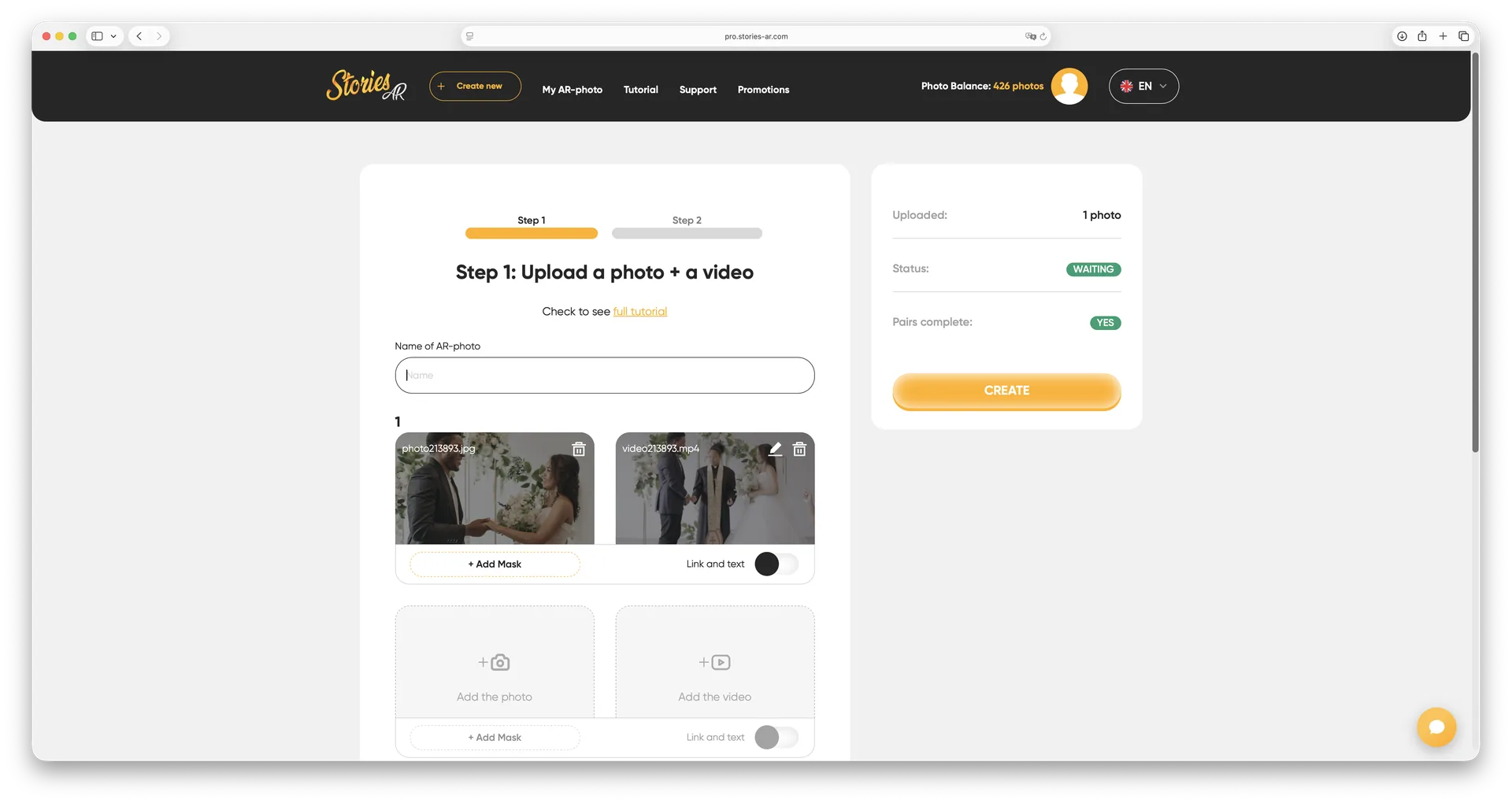
Stories AR packages that whole stack as a product. You sign up at pro.stories-ar.com, upload a photo + video pair, and get a permanent link and QR code. The viewer runs in the browser — Safari, Chrome — with camera processing done locally on the device and nothing recorded or uploaded. How the underlying WebAR approach works is covered on the landing.
The operational layer is the real difference. A dashboard lists all your AR photos; videos are replaceable anytime without changing the QR code or reprinting; batch upload handles an album or a calendar in one session. More than 62 000 photographers use the platform and have created 259 000+ AR photos — the workflows around print products are the part that took years, not the tracking.
Pricing: first AR photos free, PRO at $24/month billed yearly with 20 AR photos per month, and white-label plans for agencies and photo labs that want the viewer under their own brand.
When open source is the right call
Choose the build path if any of these is true: you have in-house developers and the AR experience is part of a bigger product; you need custom interactions beyond photo-plays-video (games, 3D scenes, world tracking — where you would look at Zappar, Blippar or native ARKit/ARCore anyway); you have hard data-residency or self-hosting requirements; or the economics of a very large, long-lived deployment favor owning the stack.
Also legitimate: you enjoy it. Plenty of good tooling exists because a developer wanted control. If AR is your product rather than an add-on to your photography, owning the code is a defensible strategy.
When no-code wins
Choose the buy path if you sell photos, prints, albums or packaging and AR is a feature of your product, not your product. The relevant metric is time from client order to working QR code — minutes on a platform versus a development project on a library.
The hidden factor is iteration: clients change their minds, videos get replaced, seasonal products get refreshed. On a platform that is a dashboard click. On a self-built stack every change touches a developer.
A fair test costs nothing: build one photo on the free tier, and if you are technical, spend an evening with MindAR. Compare not the demos but the path to your tenth client order.
Test the no-code path in one evening
Sign up at pro.stories-ar.com and make your first AR photo free. If you are choosing between build and buy, a working demo is the fastest argument.
Start for freeFrequently asked questions
Are MindAR and AR.js really free?+
Yes, the libraries are open source and free to use. The costs are engineering time, hosting and ongoing maintenance of everything you build around them.
Is Stories AR a general AR development framework?+
No. It is a focused image-to-video platform: a printed photo plays a video in the browser. For 3D scenes or world tracking, look at Zappar, Blippar or ARKit/ARCore.
Can I switch from a self-built stack to Stories AR later?+
Yes — the content is just photo + video pairs, so re-uploading them to the dashboard is straightforward. Already-printed QR codes pointing at your own domain would need reprinting, though.
What does Stories AR cost compared to self-hosting?+
First AR photos are free; PRO is $24/month billed yearly with 20 AR photos included. Self-hosting has no license fee but you pay in developer time, hosting and maintenance.