Holiday Packaging with QR Video: A Small-Brand Playbook
Stories AR team
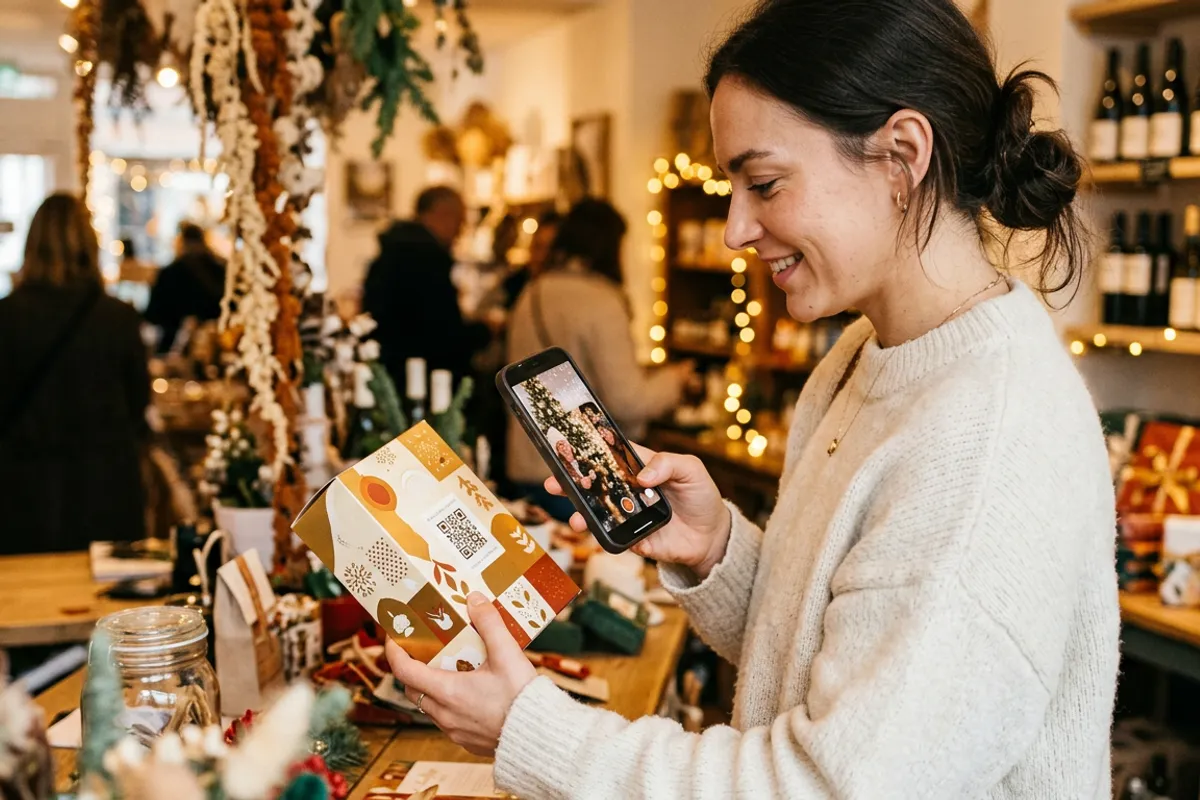
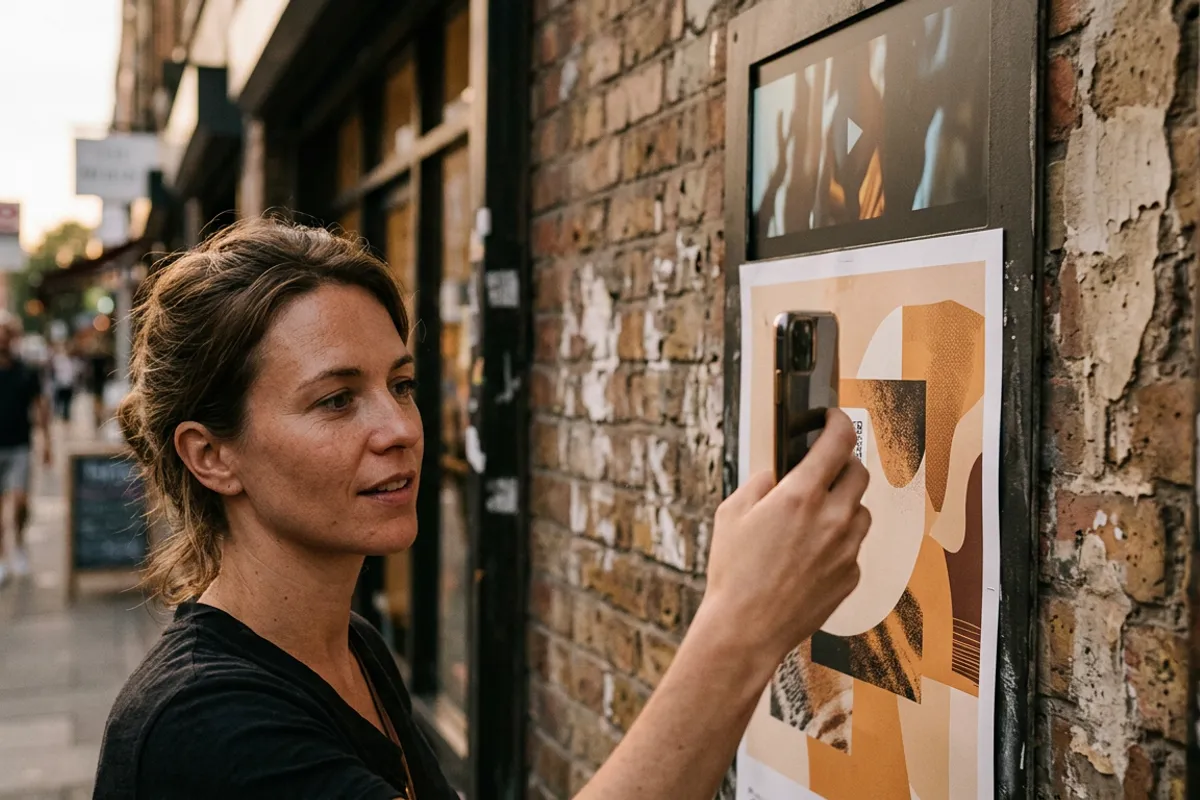
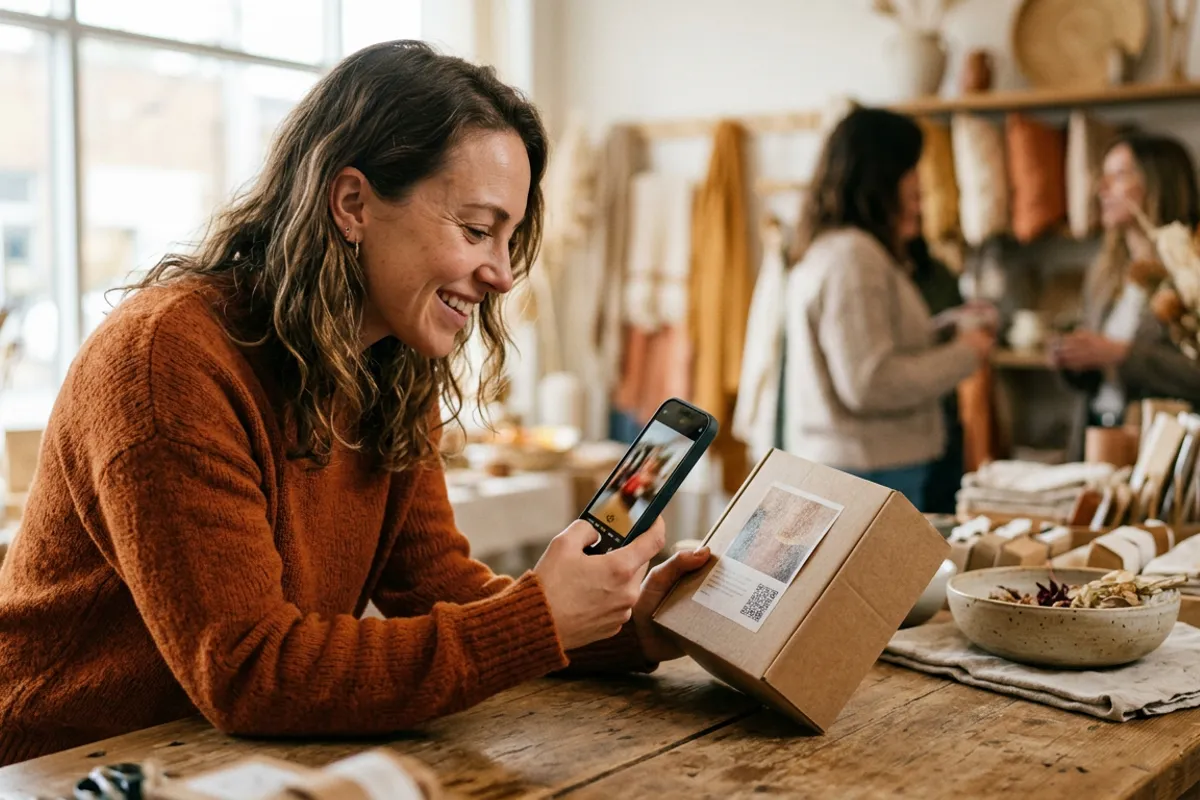
For a small brand, the holiday box is the one moment when the customer is guaranteed to hold your packaging and pay attention. A QR video turns that moment into a channel: the customer scans the code on the box, and a thank-you from the founder or a quick how-to plays right in the browser — or, with an AR trigger photo on the label, directly on top of the packaging itself. No app to install, and no reprint when you want to change the message mid-season.
Quick answer
Add a QR code to your gift box or label and link it to a short video: a thank-you, a how-to, or a holiday greeting. The customer scans it and the video plays in the phone browser — with an AR trigger image on the packaging, it plays anchored on the print itself. The QR code is permanent, so you can swap the video for each drop or promo without reprinting anything.
Key takeaways
- One QR code on the packaging can carry a thank-you video, an unboxing how-to or a seasonal greeting — and it opens in the browser, no app.
- The QR link is permanent: replace the video in the dashboard and every box already shipped or on the shelf plays the new one.
- A photo on the label can work as an AR trigger, so the video plays on top of the packaging — a stronger effect than a plain landing page.
- Print the QR once in the autumn run and refresh the content for Black Friday, Christmas and New Year without touching the print files.
- The Stories AR free tier covers your first AR photos; the PRO plan is $24/month billed yearly with 20 AR photos per month.
Why packaging video works in the gift season
Holiday buyers are often gift-givers, not your regular customers. The recipient unwraps a box from a brand they have never heard of — and the packaging is your only pitch. A 20-second video from the founder saying thank you, showing how the product is made or how to use it, does what a leaflet cannot: it gives the brand a face and a voice at the exact moment of unboxing.
The mechanics are deliberately simple. You create the video once, link it to a QR code, and put that code on the box, the label or an insert card. Scanning opens the phone browser — Safari on iOS, Chrome on Android — and the video plays. Nothing to install, which matters when the viewer is a gift recipient with zero motivation to download an app.
Two levels: plain QR video vs AR on the label
Level one is a QR code that opens a video in the browser. It works on any packaging, even a plain kraft box, and takes minutes to set up.
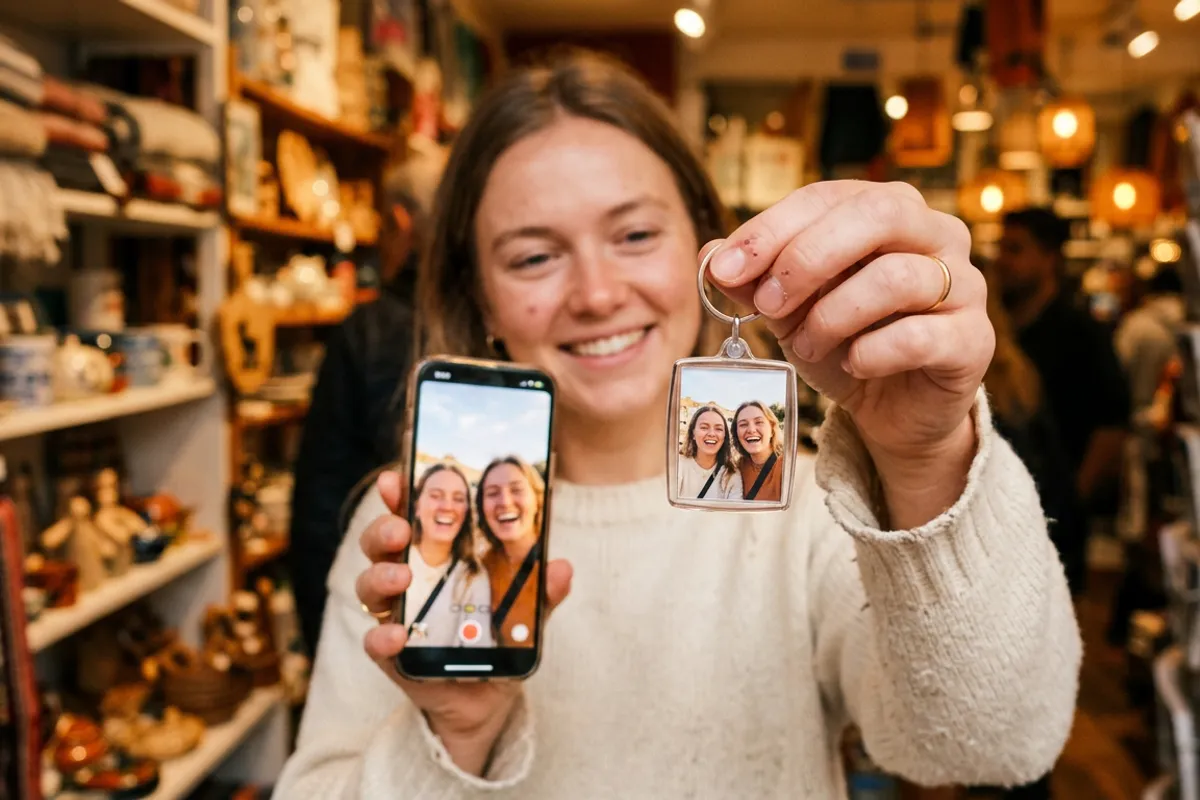
Level two uses the packaging itself as an AR marker. If your label or box carries a detailed photo — the product, the founder, an illustration with texture — that image can act as a trigger image: after scanning the QR, the customer points the camera at the box and the video plays anchored on top of it. The label literally comes alive in their hands. Flat single-color panels and glossy foil are poor triggers, so plan the artwork with a detailed photo zone if you want this effect.
Both levels use the same creation flow: sign up at pro.stories-ar.com, upload the image and the video, get the link and QR code. The camera feed is processed locally in the browser — nothing is recorded or uploaded, which is a clean answer if privacy-minded customers ask.
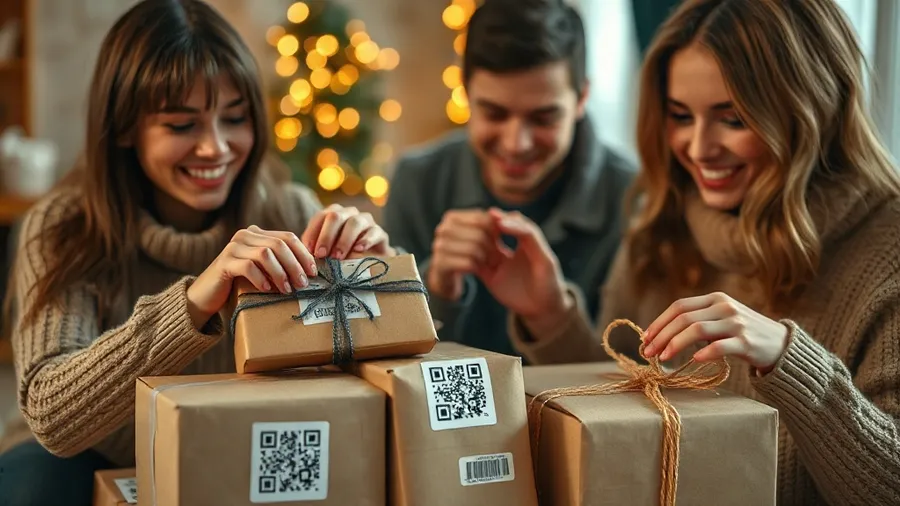
One print run, a whole season of content
The expensive part of packaging is the print run, and holiday timelines are unforgiving: boxes are usually ordered in October. The QR video decouples print from content. The code you print in October is permanent; the video behind it is editable forever.
That enables a seasonal content calendar on a single print run:
- Early November — a founder thank-you plus a how-to for first-time customers.
- Black Friday week — a greeting that mentions the current offer and points to your site.
- Mid-December — a holiday message aimed at gift recipients: what the brand is, how to reorder.
- January — swap in care instructions or a welcome-to-the-brand video for the post-holiday wave.
What to put in the video
Keep it 15–40 seconds. The strongest formats for small brands: a founder speaking to camera ("thank you for choosing a small business this season"), a fast how-to or care guide, and a making-of clip from the workshop. Record vertically — the viewer holds the phone upright over a box.
Add a call-to-action button on top of the video in the editor: one tap can lead to your catalog, a review form or your socials. That turns the unboxing moment into measurable traffic, and the dashboard's scan analytics shows how many people scanned and watched each video — packaging finally gets a conversion metric.
Cost and how to start this week
The Stories AR free tier lets you create your first AR photos at no cost — enough to test the idea on one product line before the main run. The PRO plan is $24/month billed yearly and includes 20 AR photos per month, which covers a small brand's full range with separate videos per product.
The practical path: pick one hero product, shoot a 30-second thank-you video on a phone, upload it with your label photo, and place the QR on the insert card of your November batch. If scans and watch-throughs look good, roll the code onto the printed box for the December run. More than 62 000 photographers and creators already publish through the platform, with 259 000+ AR photos created.
Put a video on your holiday box
Upload your label photo and a thank-you video — get a permanent QR code for the print run in minutes. First AR photos are free.
Start for freeFrequently asked questions
Do customers need an app to watch the packaging video?+
No. The QR code opens the video in the phone browser — Safari on iOS, Chrome on Android. The AR effect on the label also runs entirely in the browser.
Can I change the video after the boxes are printed?+
Yes, at any time. The QR code and link are permanent; replace the video in the dashboard and every printed box plays the new one immediately.
What kind of label artwork works as an AR trigger?+
A detailed photo or textured illustration works well. Flat solid colors, repeating patterns and heavy gloss are poor triggers — keep a detailed image zone in the design.
How much does it cost for a small brand?+
First AR photos are free on the free tier. The PRO plan is $24/month billed yearly and includes 20 AR photos per month; white-label plans exist for agencies and labs.