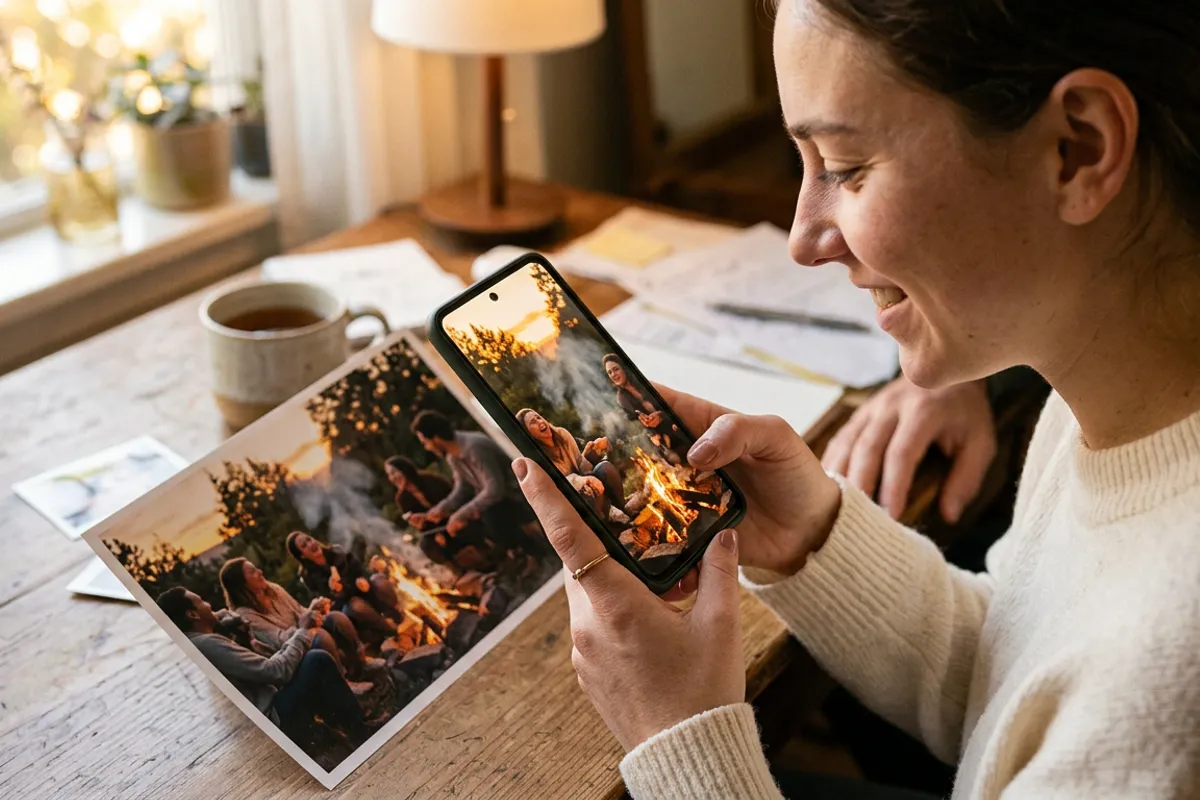
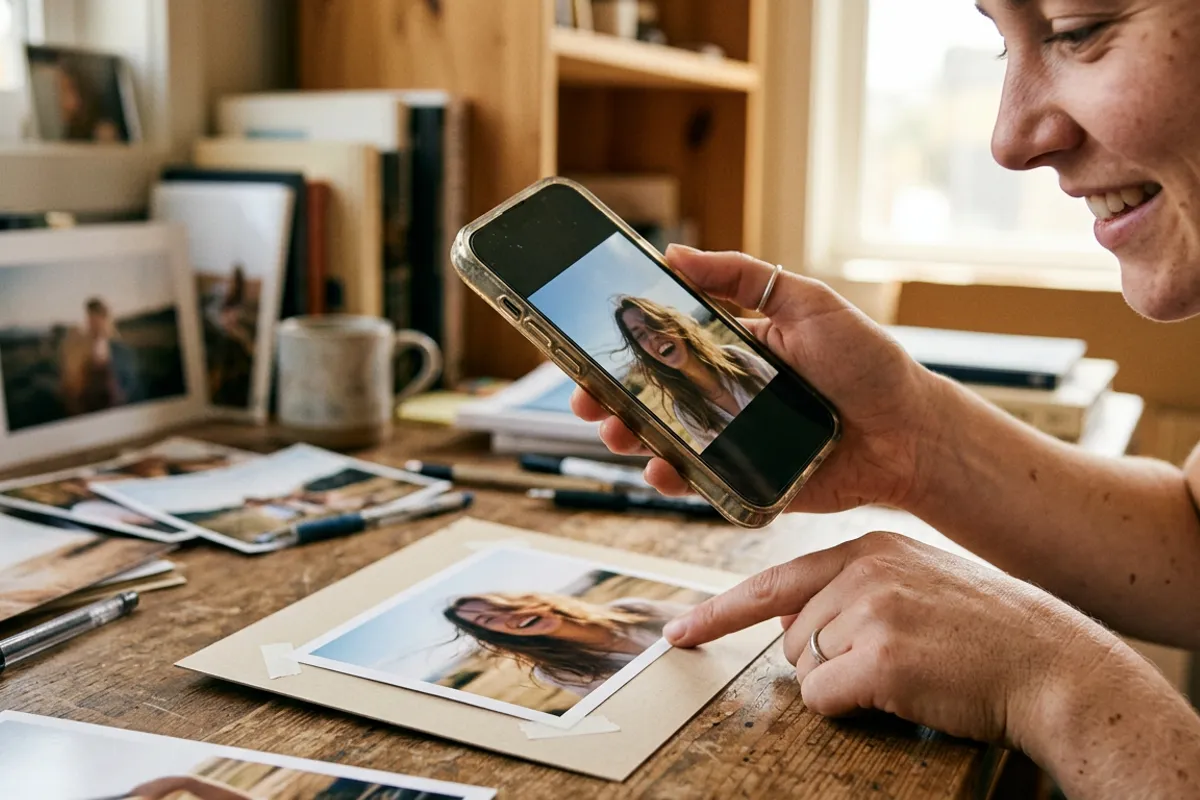
How a Photo Lab Adds Living Photos to Its Line
Stories AR team

A photo lab already prints everything AR needs: albums, canvases, magnets, calendars. Adding a video layer to those products does not require new hardware or a new production line — it requires a rollout plan. This is that plan: which product to start with, how to fold AR into order intake, how to train the counter staff on a 30-second demo, and when a white-label viewer makes sense.
Quick answer
A photo lab adds AR by pairing each printed product with a customer's video in Stories AR: the order gets a QR code, and the print plays the video in the viewer's browser — no app. Roll it out product by product: start with one pilot (albums or magnets), train staff on a 30-second counter demo, then extend to canvases and calendars. Labs that want the viewer under their own brand use white-label plans.
Key takeaways
- AR needs no new production hardware — it is an upload step added to order intake, plus a QR code in the layout.
- Roll out one product at a time: pilot on albums or magnets before extending to canvases and calendars.
- The counter demo is the sales engine: one pre-made AR print at the register, scanned in front of the customer, 30 seconds.
- The video behind any product can be replaced without reprinting — a service angle labs can sell.
- White-label plans put the AR viewer under the lab's own brand instead of Stories AR's.
What changes in the lab's workflow (almost nothing)
The production side stays untouched: the same printers, papers and lamination. What changes is order intake. An AR order carries one extra asset — the customer's video — and one extra output — a QR code placed on or with the product.
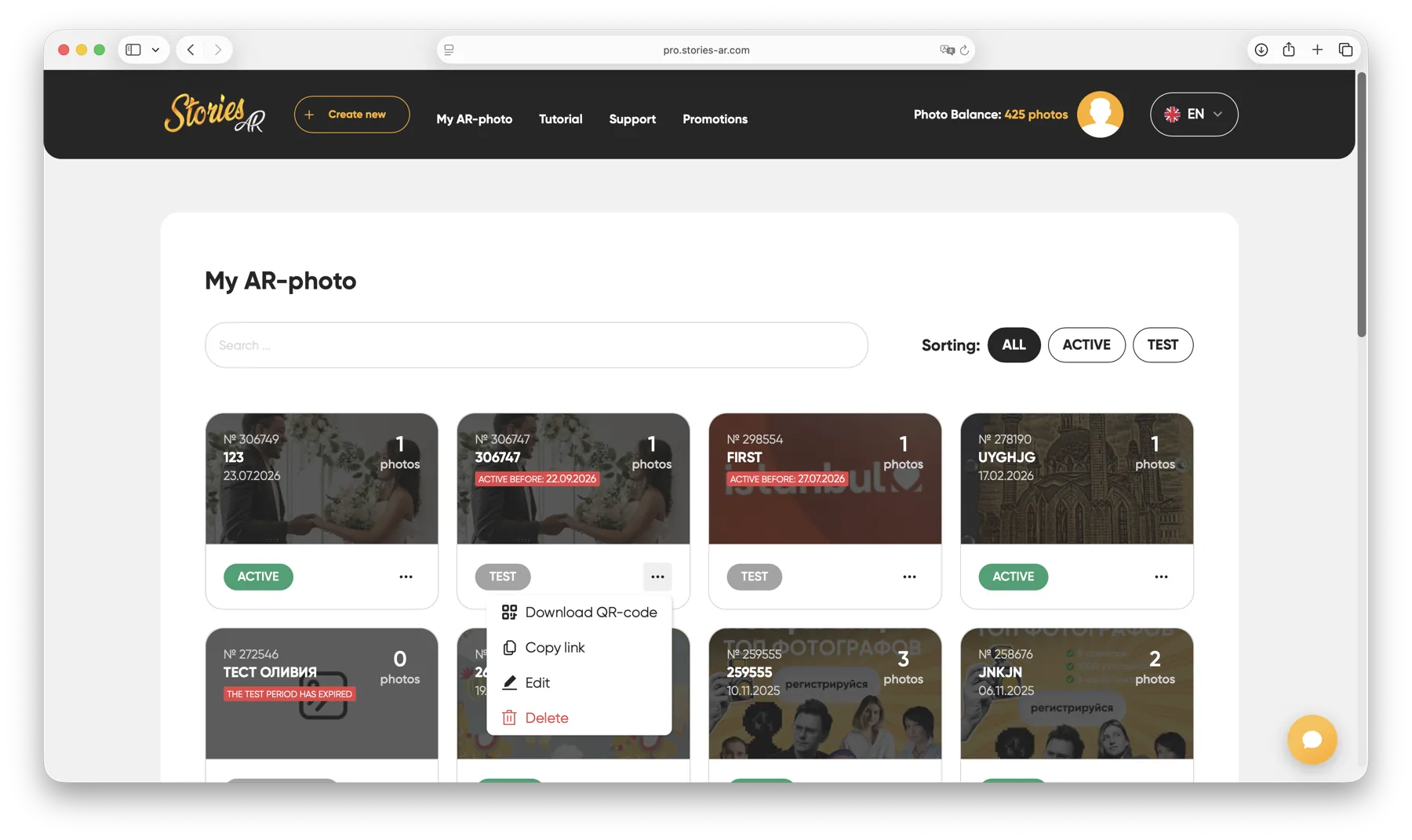
The processing step is a web upload: sign in at pro.stories-ar.com, pair the photo with the video, download the QR code. The result plays in the customer's browser through WebAR — Safari on iPhone, Chrome on Android, no app for the end viewer.
Two facts shape the product line. First, recognition works from business-card size to posters, so everything from magnets to canvases qualifies. Second, one AR photo serves one unique image — a 12-spread album is up to 12 AR photos, while 50 copies of one calendar page are a single AR photo.
The rollout order: which product goes first
Do not launch AR across the whole catalog at once — pilot one product, learn the intake friction, then extend. A sensible sequence:
- Phase 1 — magnets or single prints: cheapest to produce, fastest to demo, one photo-video pair per order.
- Phase 2 — albums and wedding books: highest ticket and the strongest emotional fit; customers usually already have video from the same event.
- Phase 3 — canvases and framed prints: large detailed triggers track excellently; the QR code goes on the back or a small front corner.
- Phase 4 — calendars and seasonal products: one trigger per month page, and the video behind each can be swapped during the year.
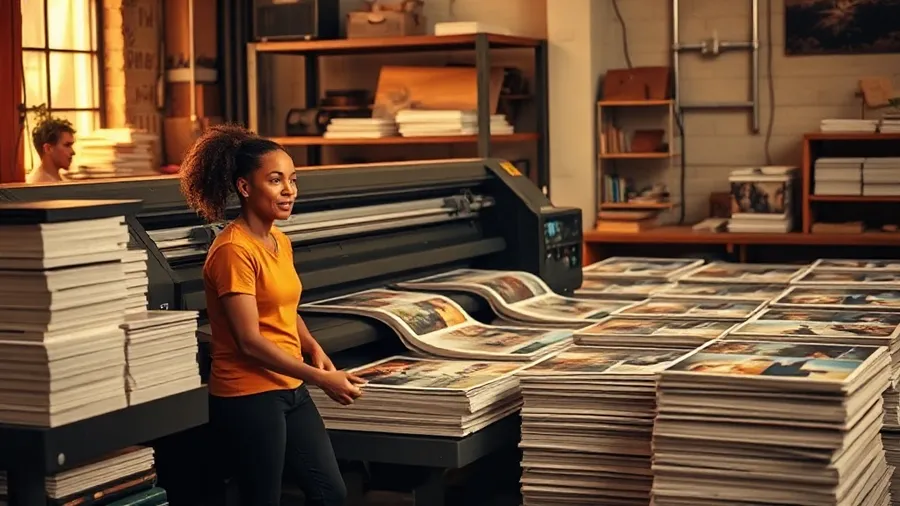
Train the counter staff on the 30-second demo
AR does not sell from a poster describing it — it sells from being seen. The single highest-leverage move in the rollout is a demo print at the register and staff who can run it in 30 seconds without hesitation.
The script is short: hand the customer the demo print, ask them to scan the QR code with their own phone, and let the print come alive in their hands. Their own phone matters — it proves no app and no setup. The staff member says two sentences: what it is, and that any order in the shop can have it.
Train every counter employee to do this cold, including the two questions that always follow: "does it need an app?" (no — it runs in the browser) and "is the camera recording me?" (no — the camera feed is processed locally in the browser, nothing is recorded or uploaded).
Pricing and the replaceable-video service angle
On platform costs: the first AR photos are free, which covers the pilot phase entirely. The PRO plan is $24/month billed yearly with 20 AR photos per month; labs running higher volume across a product line size up from there. More than 62 000 photographers already use the platform, with over 259 000 AR photos created — the workflow is well-trodden.
Price AR as a per-item add-on rather than a separate product: an "AR upgrade" line on the order form for any album, canvas or magnet. The customer supplies the video; the lab's marginal work is minutes of upload time.
There is also a service angle unique to AR: because the QR code never changes, the video behind a delivered product can be replaced later. A lab can offer video updates as an after-sale service — the same framed print plays a new clip a year later without reprinting.
When to consider white-label
In the standard setup, customers view AR photos through the Stories AR viewer. For a lab building AR into its identity, white-label plans put the viewer under the lab's own brand — including its own app-store presence — so the customer experience carries the lab's name end to end.
The practical trigger for upgrading is volume and branding, not features: the AR mechanics are identical. A lab piloting with magnets does not need it; a lab printing AR albums weekly and marketing itself as "the living photo lab" usually does.
Whichever tier, the rollout logic stays the same: one pilot product, a rehearsed 30-second counter demo, an AR line on the order form, then product-by-product expansion.
Pilot AR on one product this month
Make a demo print for the counter on the free tier, train the 30-second demo, and add an AR line to the order form.
Start for freeFrequently asked questions
Does the lab need new equipment to offer AR?+
No. Printing stays exactly the same; AR adds a web upload step at order intake and a QR code in the product layout.
How many AR photos does an album need?+
One per unique image that should play video. A 12-spread album can use up to 12 AR photos; identical copies of the same print share one.
What does the customer see — the lab's brand or Stories AR?+
On standard plans, the Stories AR viewer. White-label plans put the viewer under the lab's own brand, including its own app-store presence.
What does it cost to pilot?+
The first AR photos are free. For steady volume, the PRO plan is $24/month billed yearly with 20 AR photos per month.