Photography Upsells: 5 Products That Sell After a Shoot
Stories AR team

The shoot is done, the gallery is delivered, and most photographers stop there — leaving the easiest money of the whole job on the table. The client is at peak emotion right after seeing their photos, and that is exactly when physical and digital add-ons sell. Here are the five upsells that consistently work, ranked by margin and effort, plus scripts for offering them without sounding like a salesperson.
Quick answer
The five upsells that work after a photo shoot: prints and albums, photo magnets, living (AR) photos, wall art, and mini-films from shoot footage. Living photos have the best margin-to-effort ratio — near-zero marginal cost on a PRO plan with 20 AR photos per month — and the strongest wow effect in a demo.
Key takeaways
- The best moment to upsell is delivery, when the client has just seen their photos.
- Rank upsells by margin versus effort: living photos win because production cost is near zero.
- AR add-ons reuse footage you already shot — no extra production day needed.
- Offer with a show-don't-tell script: demo one living photo instead of describing five products.
- Physical products (albums, magnets, wall art) become AR carriers — one product, two revenue layers.
Why the upsell happens after the shoot, not before
Before a shoot, clients buy reassurance: your portfolio, your reliability, your price. After the shoot, they buy emotion: they have seen the photos, they love specific frames, and they can picture those frames on a wall or in an album. That shift is why the same product that felt like an extra cost at booking feels like an obvious purchase at delivery.
Practically, this means building a 10-minute "delivery moment" into your workflow — in person or on a call — instead of silently emailing a gallery link. Walk through the best frames, then present two or three add-ons. Not a catalog. A short, curated offer.
The five upsells, ranked by margin and effort
Here is the honest ranking. Margin means what is left after production costs; effort means your time per order.
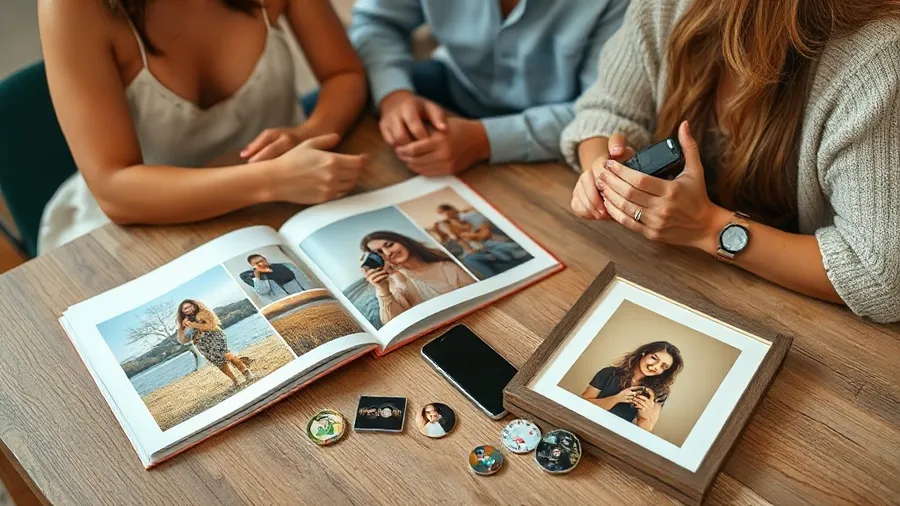
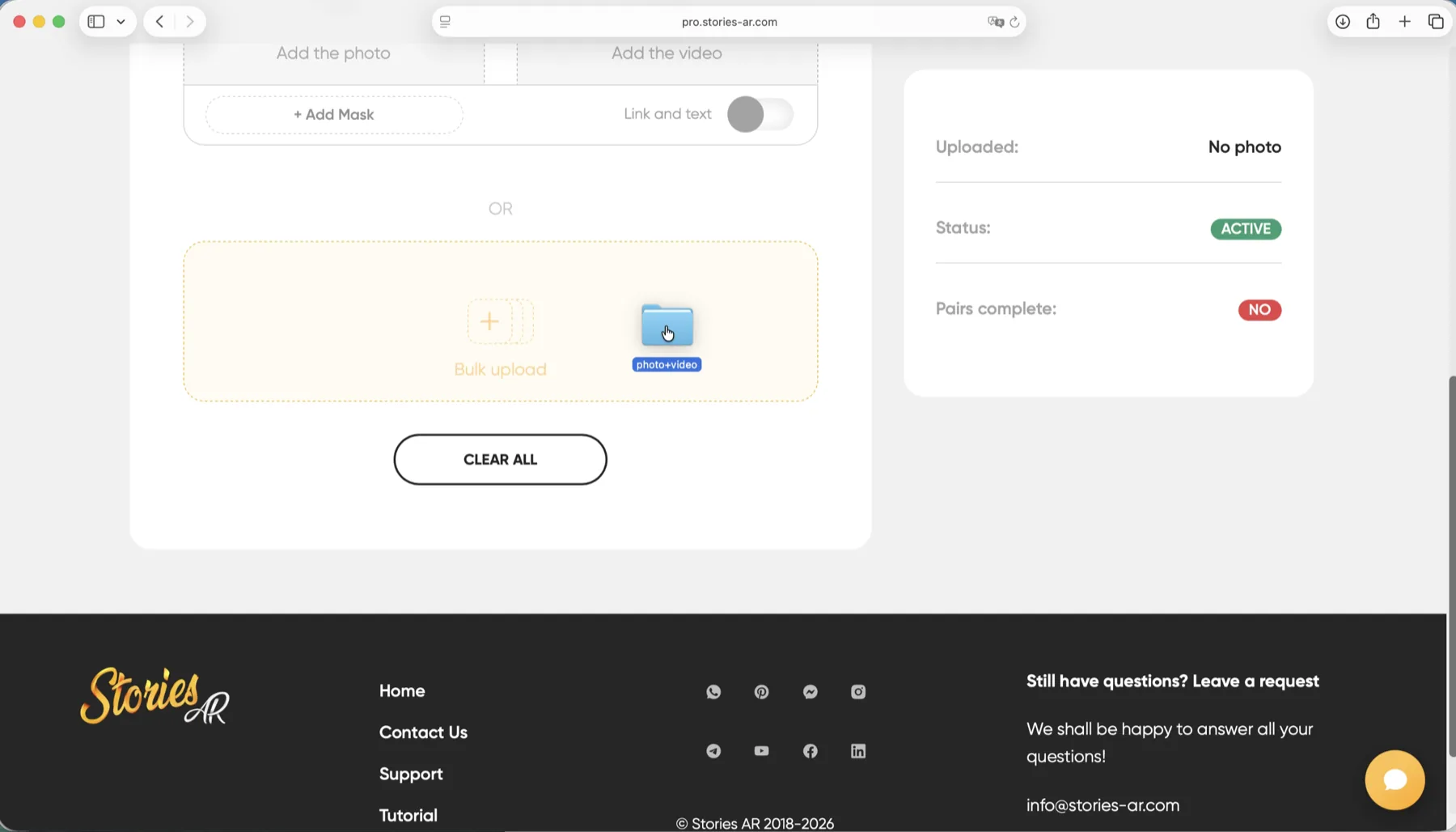
1. Living (AR) photos — highest margin, lowest effort. You pair an existing photo with existing footage in the dashboard, and the print plays video when a phone camera points at it. Marginal cost is near zero: the PRO plan ($24/month billed yearly) includes 20 AR photos per month, so one subscription covers a whole month of client orders. See how the format works on the living photos page.
2. Prints and albums — high margin, medium effort. Classic for a reason: clients still want to hold photos. Lab costs are known upfront, and layout time is the main effort. Every album can also carry AR pages — same physical product, second revenue layer.
3. Photo magnets — medium margin, low effort. Cheap to produce, easy to sell in sets, great as gifts for grandparents. A magnet is also a perfect small AR trigger: point a camera at the fridge and the moment plays.
4. Wall art — high margin per piece, higher effort. Canvas and framed prints command real prices, but each order needs sizing, proofing and sometimes delivery coordination.
5. Mini-films — high perceived value, highest effort. A 60-second edit from shoot footage sells well for weddings, but editing time makes it the most expensive upsell to fulfil. If you already shoot video for AR pairs, a mini-film is a natural bundle.
Where AR products fit in your price list
AR is not a sixth product — it is a layer you add to the other four. An album with living pages, a magnet that plays video, a framed print that comes alive: the physical product justifies the price, and the AR layer justifies the premium.
The economics are unusual for photography: after the subscription, each additional AR photo costs you nothing but the two minutes of pairing photo and video in the dashboard. More than 62 000 photographers already use the platform this way, and over 259 000 AR photos have been created.
To see what an AR add-on does to monthly income at your own prices and shoot volume, run the photographer earnings calculator — it makes the margin conversation concrete.
Scripts: how to offer without being pushy
The rule: show, don't list. One demo beats five descriptions.
At delivery: "Before you go — one more thing I made from your shoot." Hand over a printed photo, let them scan the QR code with their own phone, and let the video play. Then: "I can do this for any photos from today. Most clients pick three to five." You have made an offer without a single sales phrase.
For albums: "There are two versions of this album — the classic one, and one where the key pages play video when you point a camera at them. Want to see the difference?" Framing it as a choice between two versions removes the pressure of a yes/no purchase.
For gifts: "Grandparents' favorite: a magnet that plays the video when they point their phone at it. Nothing to install — it opens in the browser." The objection about apps dies before it is raised.
“AR is not a sixth product on your price list — it is the premium layer on the other five.”
— Stories AR team
Turn one shoot into five products
Sign up free, pair a photo with a clip from your last shoot and demo it at your next delivery. The PRO plan covers 20 AR photos a month.
Start for freeFrequently asked questions
Which upsell should I offer first?+
Lead with the one you can demo in 30 seconds — a living photo. The reaction opens the conversation, and albums, magnets and wall art then sell as carriers for the effect.
Do AR upsells require shooting extra material?+
Usually not. You pair photos with footage you already captured during the shoot. If you plan AR in advance, grab a few 10–30 second clips of key moments.
How many AR photos can I sell per month?+
The PRO plan includes 20 AR photos per month, which typically covers several client orders. The first AR photos are free, so you can test the offer before subscribing.
What if a client asks to change the video later?+
You replace it in the dashboard — the printed photo and QR code stay the same, and every copy plays the new video immediately. No reprints.