QR Code Video on Print: 7 Products That Work
Stories AR team
A QR code that opens a video turns any piece of print into a screen. The formula is simple: pick the right video for the product, place the code where a hand naturally holds the print, and follow a few print rules so the code actually scans. Here are seven print products where a video QR code earns its space — and when it is worth upgrading to full image-recognition AR.
Quick answer
The seven print products that gain the most from a video QR code are postcards, packaging, business cards, event posters, restaurant menus and table tents, real-estate flyers, and product manuals. Print the code at least 2×2 cm with a white margin, test a proof before the print run, and upgrade to image-recognition AR when you want the photo itself — not the code — to trigger the video.
Key takeaways
- Match the video to the product: a personal message on a postcard, a how-to on a manual, a walkthrough on a flyer.
- Place the code where the print is held or read — corners for cards, back panel for packaging, eye level for posters.
- Print rules: minimum 2×2 cm, white margin around the code, matte over gloss, always scan a proof first.
- One code, changeable video: swap the clip in the dashboard and every printed copy plays the new one.
- Upgrade to image-recognition AR when the design cannot afford a visible code — the photo itself becomes the trigger.
Products 1–3: postcards, packaging, business cards
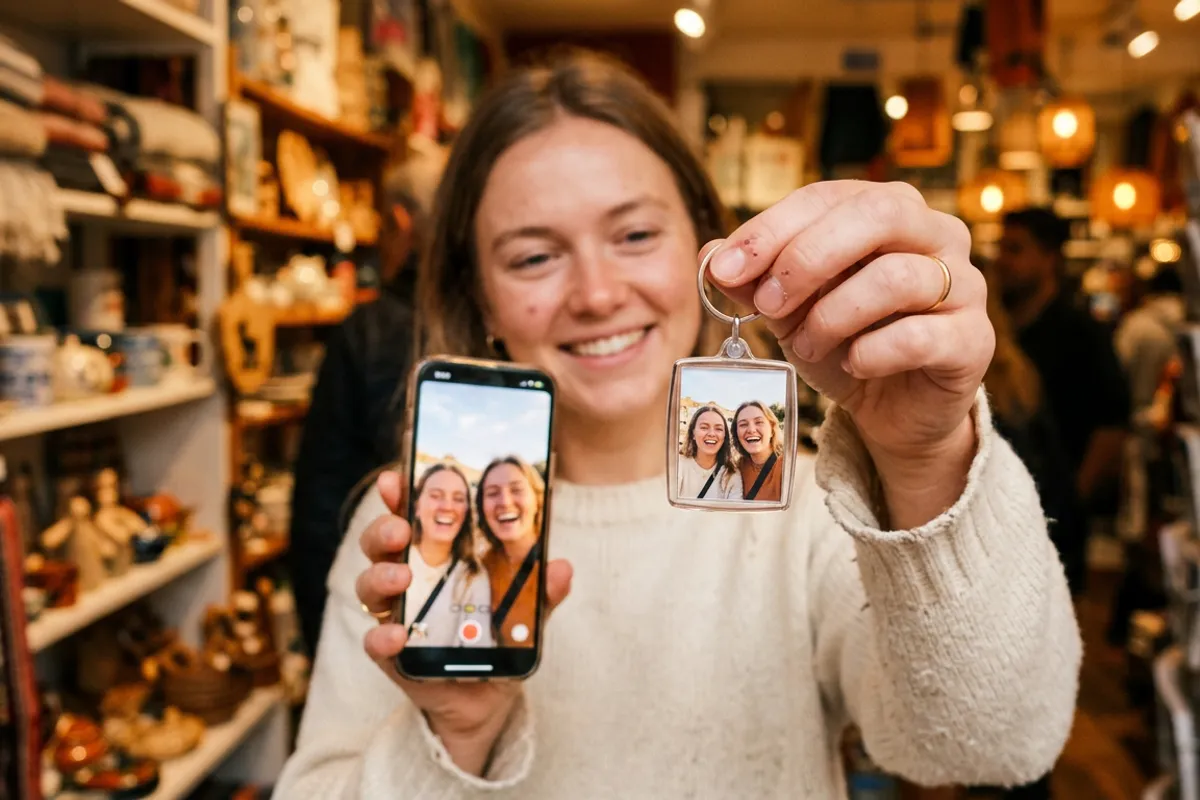
Postcards. The video is a personal message: the sender talking to the recipient, a clip from the trip, a birthday greeting. Place the code on the back, near the signature line — the natural end point of reading. Photographers sell these as an add-on to shoots: the printed card carries the moment, the video carries the voice.
Packaging. The video is proof and personality: how the product is made, how to use it, who is behind it. Back panel or inner lid works best — the buyer scans after purchase, when attention is highest. Because the QR code link never changes, a seasonal campaign can swap the video without touching the packaging line.
Business cards. The video is a 30-second self-introduction — what you do, one result, how to reach you. Bottom corner of the back side, next to your contacts. A card that plays video is remembered long after the stack of plain ones hits the drawer; see how an AR business card takes this one step further.
Products 4–5: event posters, menus and table tents
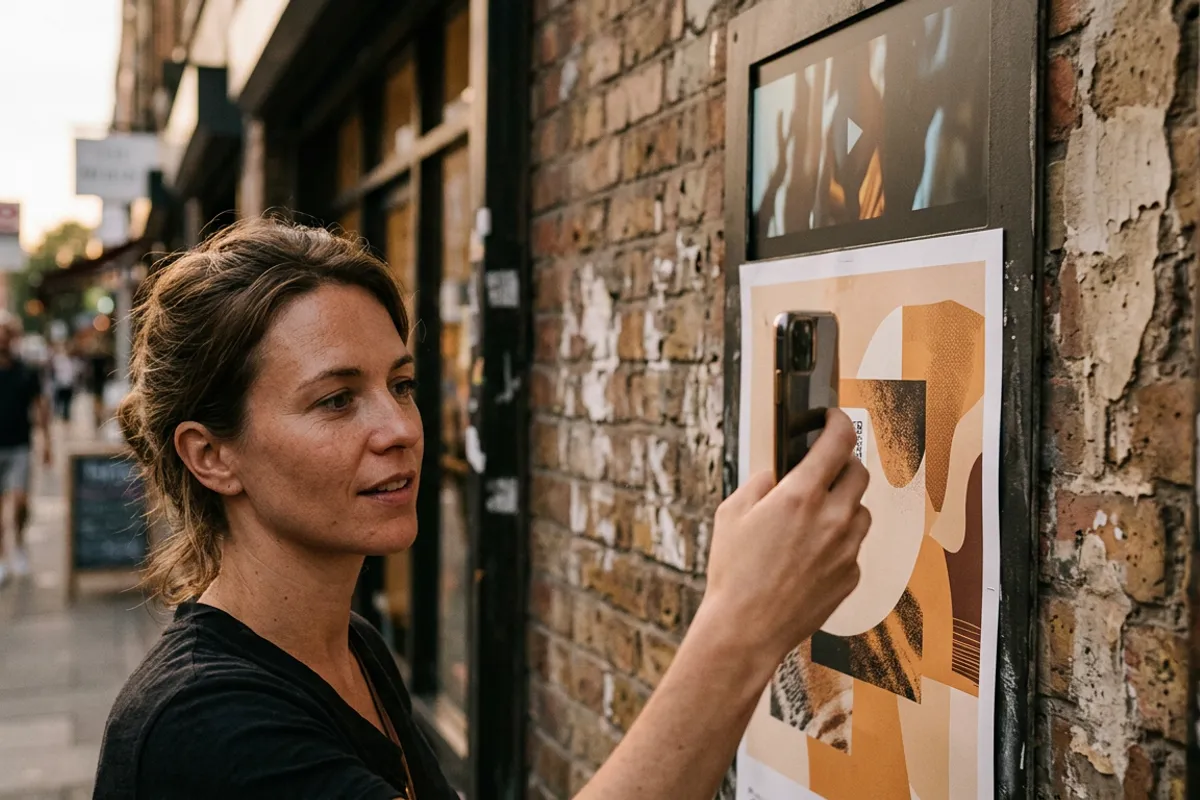
Event posters. The video is a trailer: last year's highlights, the artist's invitation, a 20-second mood piece. Place the code at eye level in the lower third, never in the top corner where nobody can reach it on a street wall. One poster design, one code — and you can update the trailer as the lineup fills in.
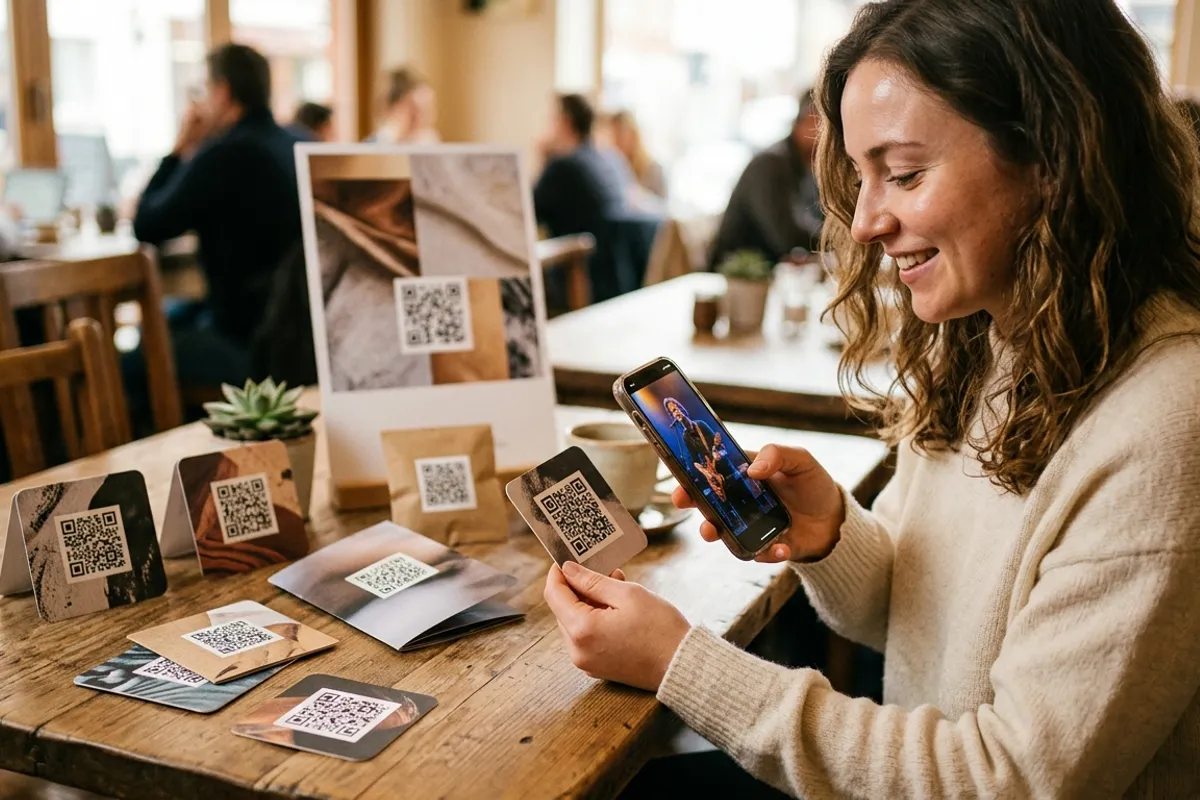
Restaurant menus and table tents. The video is the dish in motion — steam, pour, slice — or the chef in ten seconds. On menus, put the code next to the signature dishes rather than one generic code on the cover; on table tents, front and center, since the guest is already seated and idle. Guests scan while they wait, which is exactly when ordering decisions happen.
Products 6–7: real-estate flyers, product manuals
Real-estate flyers. The video is a walkthrough: 60 seconds through the space beats ten static photos. Place the code directly under the hero photo of the property with a caption like "Watch the tour." When a listing sells, swap the video for the next property — the printed flyers keep working.
Product manuals. The video is the how-to: unboxing, assembly, first setup. Put a code at the start of each major step, not one code for a 40-minute compilation. A user who watches a 90-second assembly clip does not call support. Update the video when the product revision changes — the printed manual stays valid.
Print rules that keep the code scannable
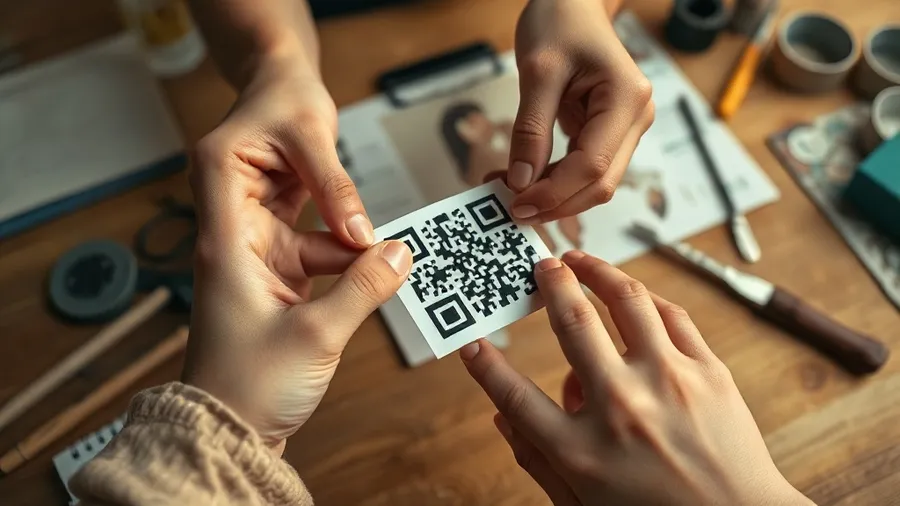
Size: 2×2 cm minimum for anything scanned at arm's length; larger for posters scanned from a distance. Keep a clean white margin around the code — designs that crowd it with graphics kill scans.
Contrast and finish: dark code on light background, matte finish over heavy gloss — glare is the top reason a code fails in a restaurant or under shop lighting.
Always print one proof and test it before the run: scan with an iPhone and an Android, in bad light, at an angle. Two minutes of testing protects a thousand-copy print run.
- Minimum size 2×2 cm (larger for posters and distance scanning)
- White margin around the code — no graphics touching it
- Dark code on light background, matte finish over gloss
- Test a printed proof on iPhone and Android before the full run
- One code = one video; the video stays swappable after printing
When to upgrade: from QR code to image-recognition AR
A QR code is a door; image-recognition AR removes the door entirely. With Stories AR, the printed photo itself becomes the trigger: point the camera at the picture and the video plays anchored on top of it, right in the browser — no app. The code is still useful as the entry point for first-time viewers, but the design no longer depends on it.
Upgrade when the visual matters: photography products, premium packaging, gallery prints, album pages — anywhere a black-and-white square fights the design. The requirements for a good trigger are simple: a detailed image with faces or textures, no flat colors or repeating patterns — the AR trigger image guide covers the details.
The mechanics stay light either way: upload photo + video at pro.stories-ar.com, get a link and QR code in about two minutes. First AR photos are free; PRO is $24/month billed yearly with 20 AR photos a month. Over 259 000 AR photos have been created on the platform this way.
“A QR code is a door; image-recognition AR removes the door entirely — the printed photo itself becomes the trigger.”
— Stories AR team
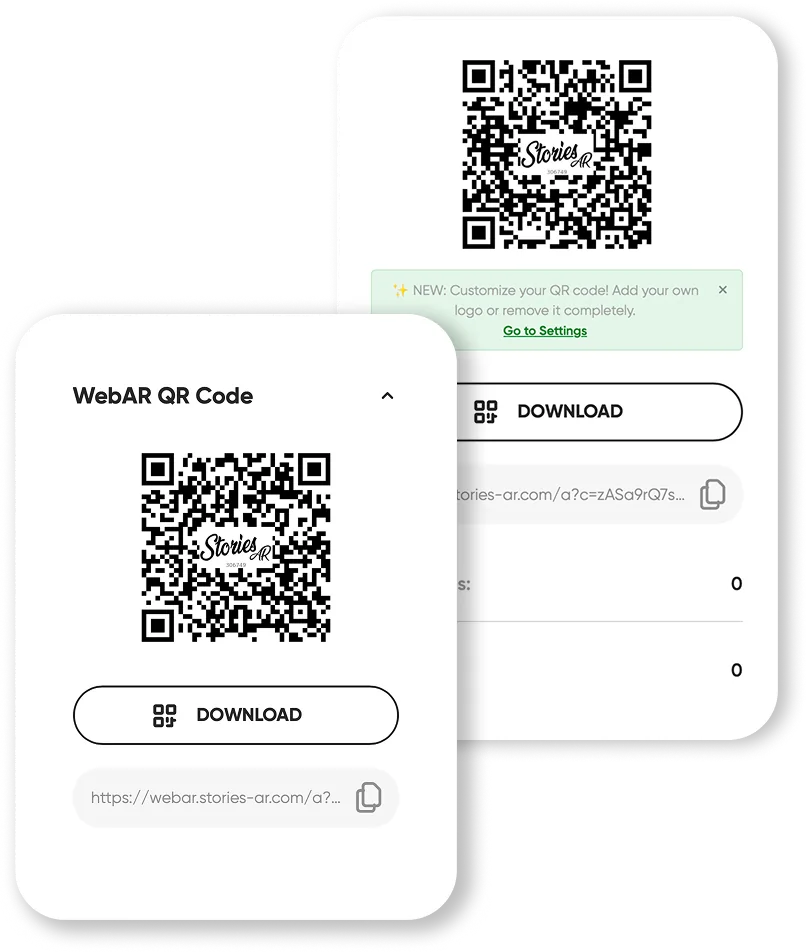
Put a video on your next print run
Upload a photo and a video — get a permanent QR code in about two minutes. Swap the video anytime without reprinting.
Start for freeFrequently asked questions
What is the minimum size for a QR code on print?+
2×2 cm for materials scanned at arm's length, like cards and menus. For posters scanned from a distance, scale the code up proportionally and keep a white margin around it.
Can I change the video after the print run?+
Yes. The QR code and link stay the same forever — replace the video in the dashboard and every printed copy immediately plays the new one, no reprint needed.
Do viewers need an app to watch the video?+
No. The video opens right in the phone browser — Safari on iOS, Chrome on Android. Scanning the code with the regular camera is enough.
When is image-recognition AR better than a plain QR code?+
When the design cannot afford a visible code or the photo is the product — album pages, premium packaging, gallery prints. The photo itself becomes the trigger and plays the video when the camera points at it.