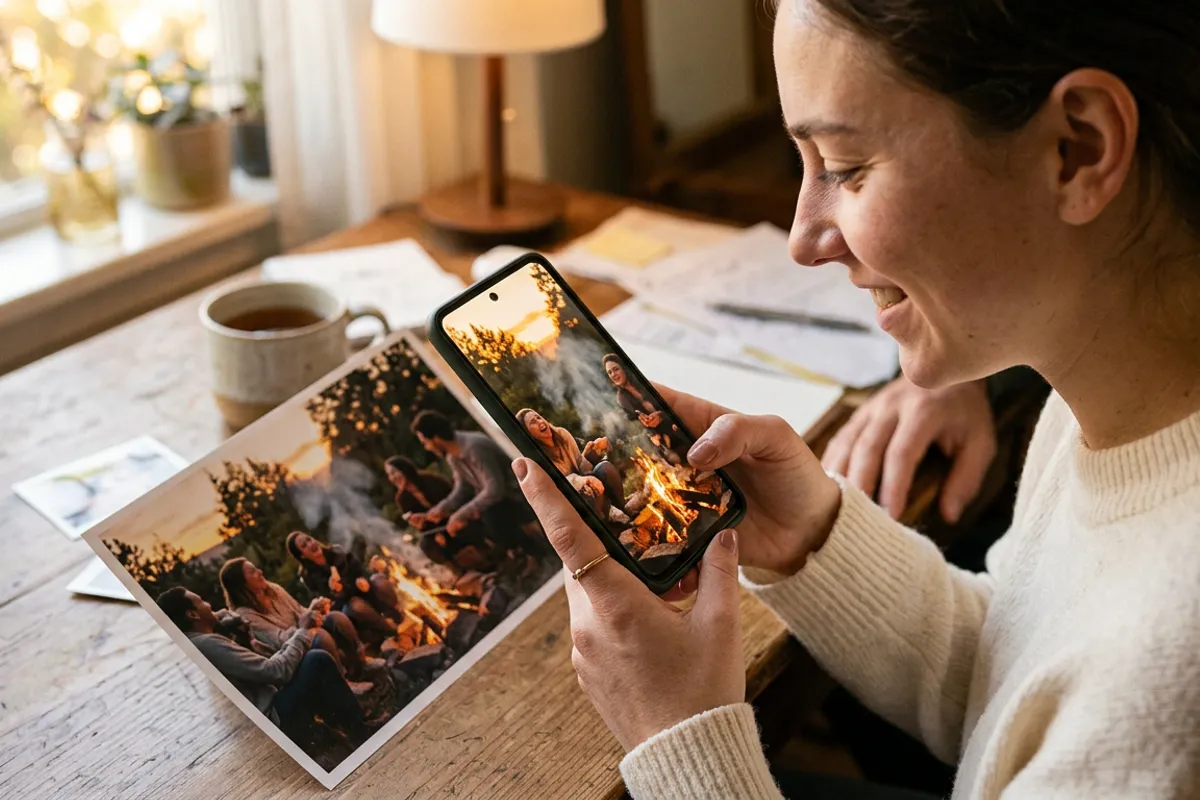
Video Greeting Cards: How to Make and Sell Them
Stories AR team
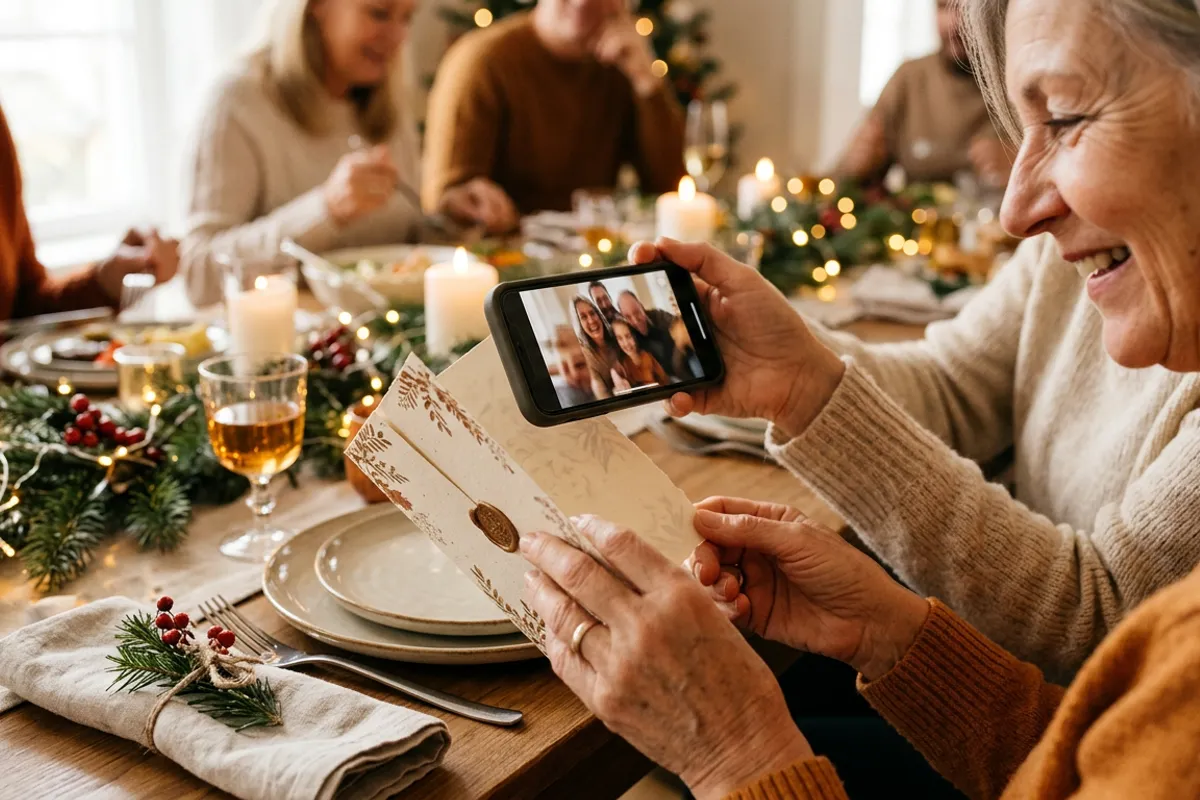
A greeting card gets read once and put in a drawer. An AR greeting card gets scanned, watched, shown to the whole family and kept — because the photo on it plays a personal video message the moment a phone camera points at it. Here is how to make one, which occasions it fits, and how photographers and print shops turn it into a sellable product.
Quick answer
Print a card with a detailed photo on the front, then pair that photo with a video greeting in the Stories AR dashboard — you get a QR code to print on the back. The recipient scans the QR, points the camera at the card, and the photo starts playing the message in the browser, no app needed. Photographers and print shops sell these as premium cards for birthdays, weddings, holidays and invitations.
Key takeaways
- An AR card = printed photo + video greeting paired in the dashboard; the QR code on the back opens the browser camera.
- The video can be recorded on a phone — a 15–30 second personal message beats a produced clip.
- Best-selling occasions: birthdays, New Year and Christmas, weddings and invitations, graduations, births.
- The video is replaceable after printing, so one card design serves many customers with personal messages.
- Postcards are already a standard AR carrier — the same flow photographers use for albums and magnets.
How an AR greeting card works
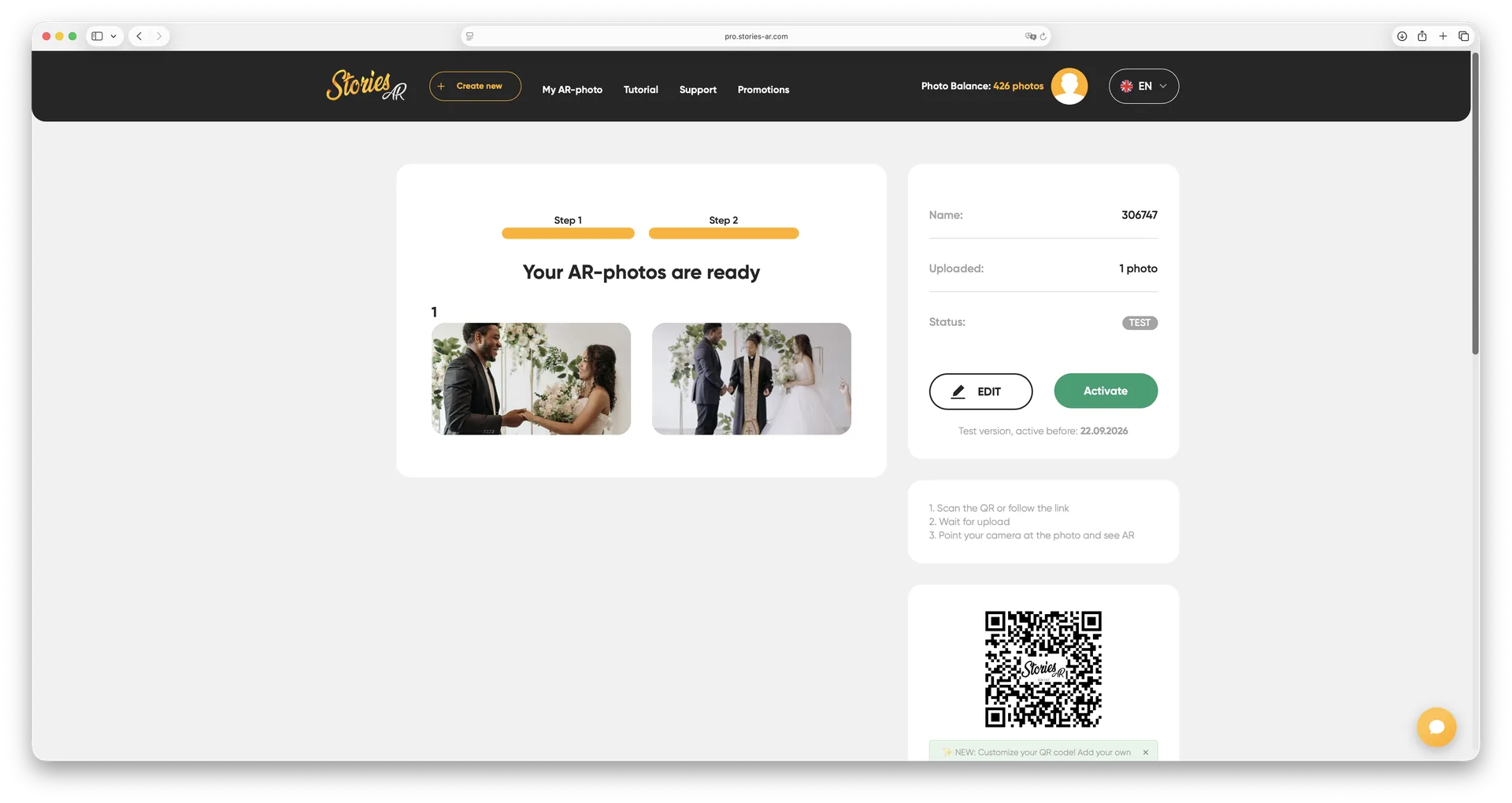
The front of the card carries a photo — of the sender, the family, the couple, the newborn. That photo is the trigger. In the Stories AR dashboard you upload the photo and a video greeting, click Create, and get a link with a QR code. The QR goes on the back of the card, next to the handwritten note.
The recipient scans the code, the browser opens the camera, they point it at the front of the card — and the photo comes alive with the video message, anchored right on the card in their hands. It works in Safari on iOS and Chrome on Android with nothing to install. The mechanics are the same as any living photo; the greeting card is just the most emotional format it comes in.
What to record: the greeting itself
The strongest card videos are not produced — they are personal. A 15–30 second clip shot on a phone: the sender saying happy birthday by name, the grandkids shouting congratulations, the couple announcing the wedding date. Record the video first, then export a frame from it for the card front, and the printed photo will appear to wake up and speak.
Keep sound on and meaningful — the voice is the gift. And keep it short: the recipient is holding a card in one hand and a phone in the other; 30 seconds is plenty.
- Birthday: the sender's message by name, or a montage of the year's moments
- Wedding invitation: the couple inviting guests in their own words
- New Year and Christmas: the family greeting shot by the tree
- New baby: first sounds and movements behind the announcement photo
- Graduation: a thank-you message to parents or teachers behind the gown photo
How photographers sell AR cards
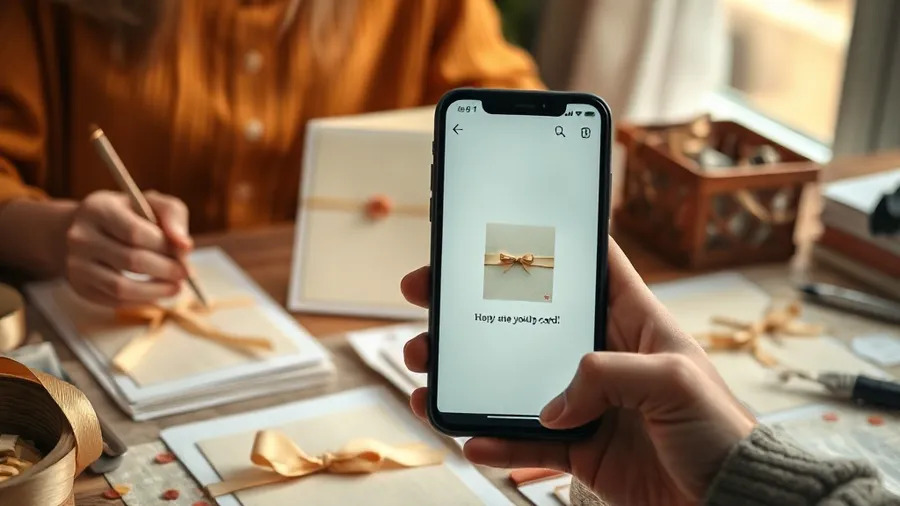
For a photographer, cards are a natural add-on after a shoot: the client already has beautiful photos and, from the same session, video fragments. Offer a set of printed cards where the family portrait plays a greeting — shot in the last five minutes of the session. Postcards sit alongside albums, magnets and calendars in the standard list of products photographers already sell with AR.
Seasonal timing does the marketing for you: offer New Year card sets in November shoots, Mother's Day cards in spring family sessions, invitation cards at engagement shoots. The card is also self-advertising — every recipient who scans it sees what your studio can do.
How print shops sell AR cards
A print shop's advantage is volume and walk-in traffic. The simple product: a premium card option where the customer sends a photo and a short video with the order, the shop creates the AR pair and prints the QR on the back. The extra production step is minutes in the dashboard.
Two practical notes from the trigger side: print the photo matte, not glossy — glare interferes with recognition — and keep the photo detailed and contrasty rather than a flat graphic. A QR code that plays video works on any print, but the come-alive effect on the photo itself is what customers pay a premium for.
Because the video is replaceable and the QR permanent, a shop can even pre-print popular designs and attach each customer's personal video at the counter — one design, hundreds of unique cards.
What it costs to start
The first AR photos are free — enough to make a working sample card and test it on real customers. The PRO plan at $24/month billed yearly includes 20 AR photos per month, which at card volume means the platform cost per card is about $1.20; the retail price of a premium personalized card absorbs that easily.
Make one sample this week: print a card with a family photo, pair it with a 20-second greeting at pro.stories-ar.com, and put it on the counter or in your client welcome pack. The scan sells the product.
Make a card that speaks
Upload a card photo and a 20-second greeting — get a scannable AR card in about two minutes. First AR photos are free.
Start for freeFrequently asked questions
Does the card recipient need an app?+
No. They scan the QR code on the card, the browser opens the camera, and the video plays over the photo — Safari and Chrome both work.
Can I record the greeting on a regular phone?+
Yes — a phone video is ideal. Personal 15–30 second messages work better than produced clips; export a frame from the video for the card front so the photo appears to wake up.
Can one card design carry different messages for different customers?+
Yes. Each card gets its own QR and video pair, and videos are replaceable after printing — so a shop can pre-print one design and attach personal videos per order.
How long does the card keep working?+
The QR code and link are permanent. The card plays its video for as long as the AR photo exists in the account — and the video can be updated anytime.